
Free tools · No sign-up · No watermark
Free motion graphics generators, made in your browser.
48 generators for the graphics creators use most. Pick one, change the numbers, words and colors, and download a 1080p MP4 ready for CapCut, Premiere Pro or any editor.
Numbers and time
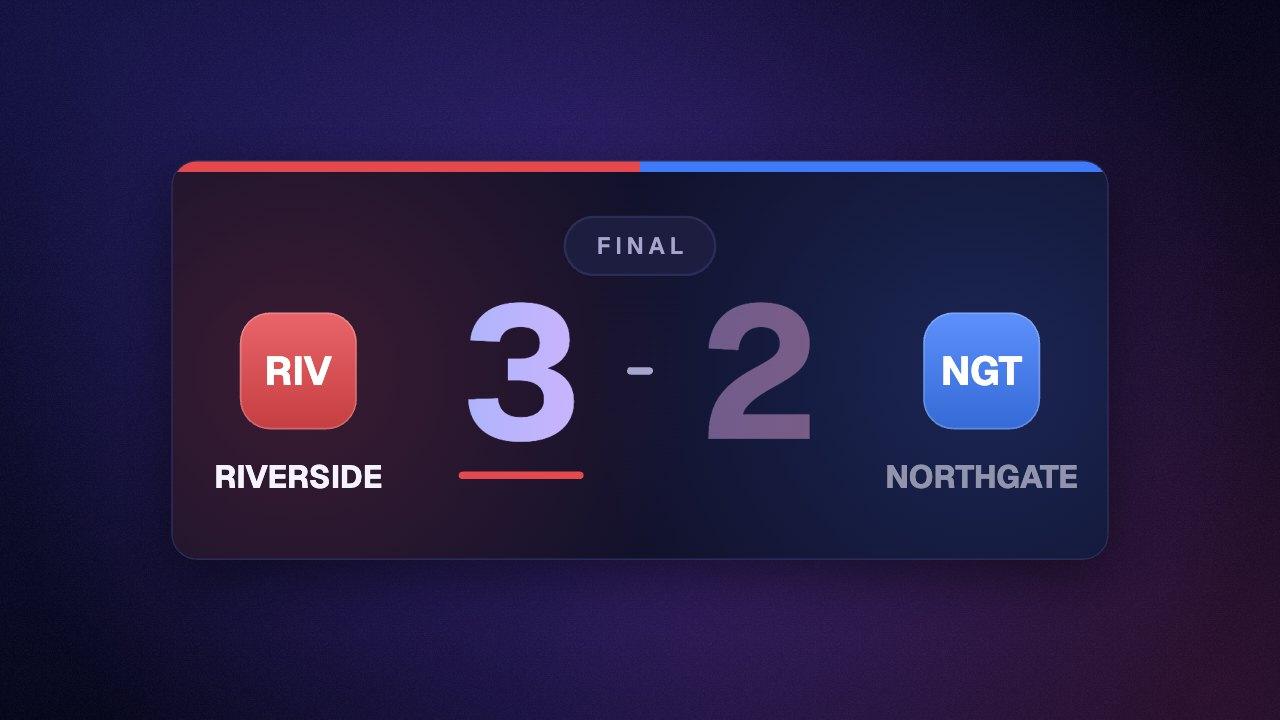
Counters, timers, countdowns and clocks.
Text and titles
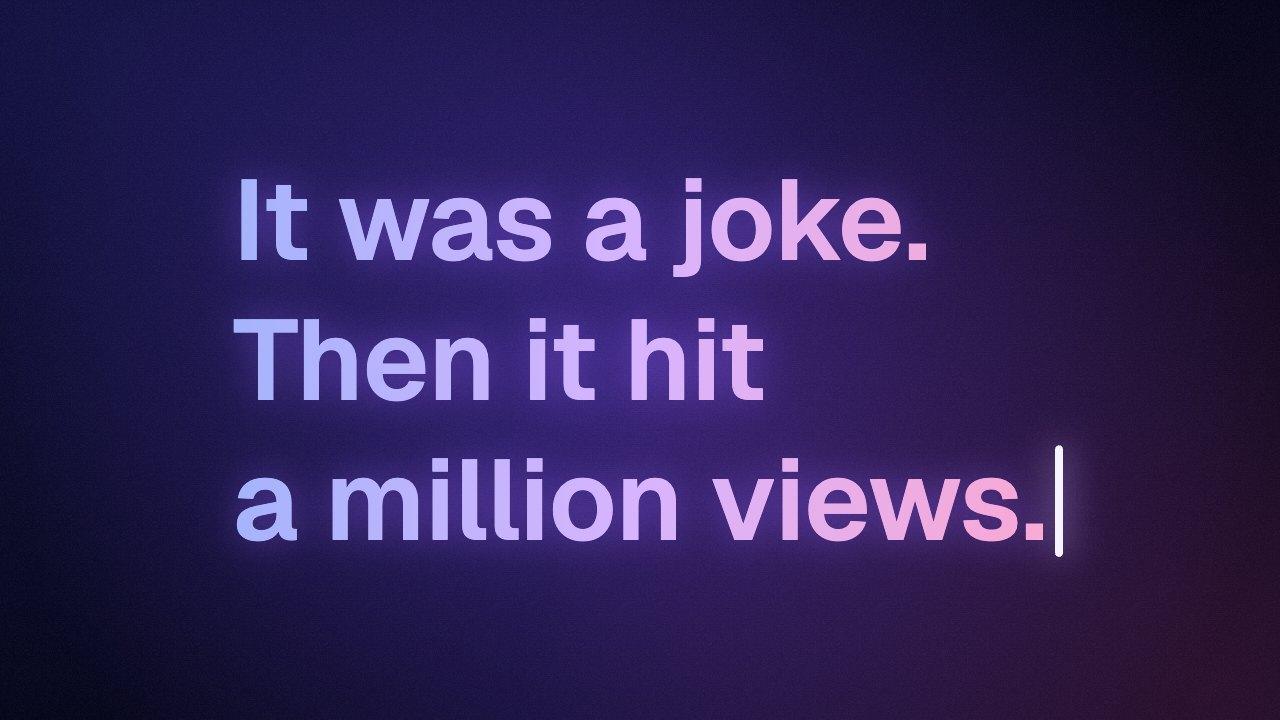
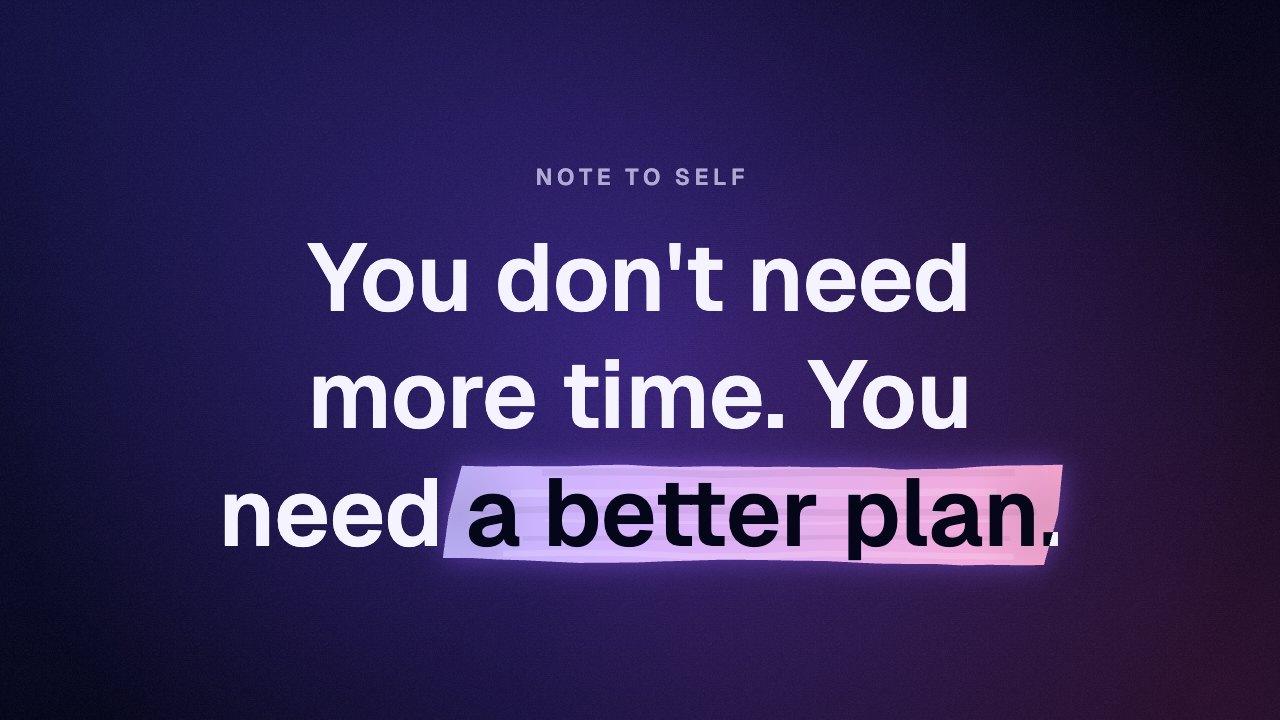
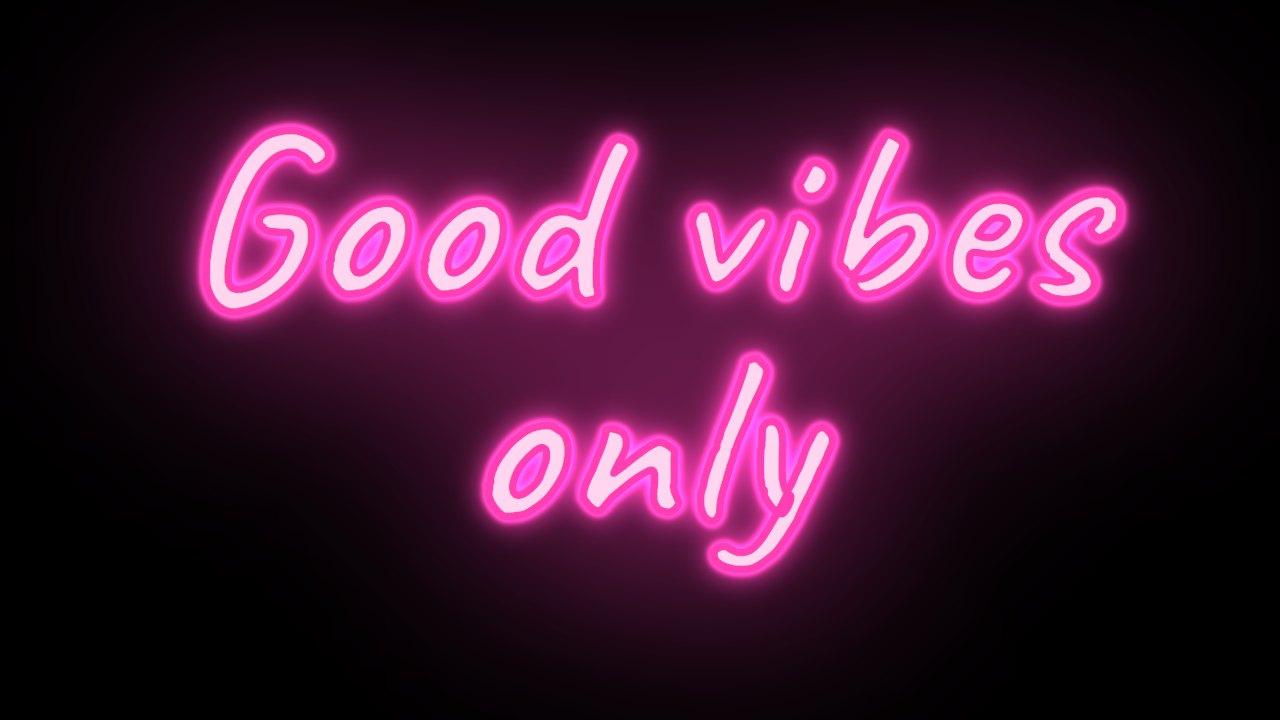
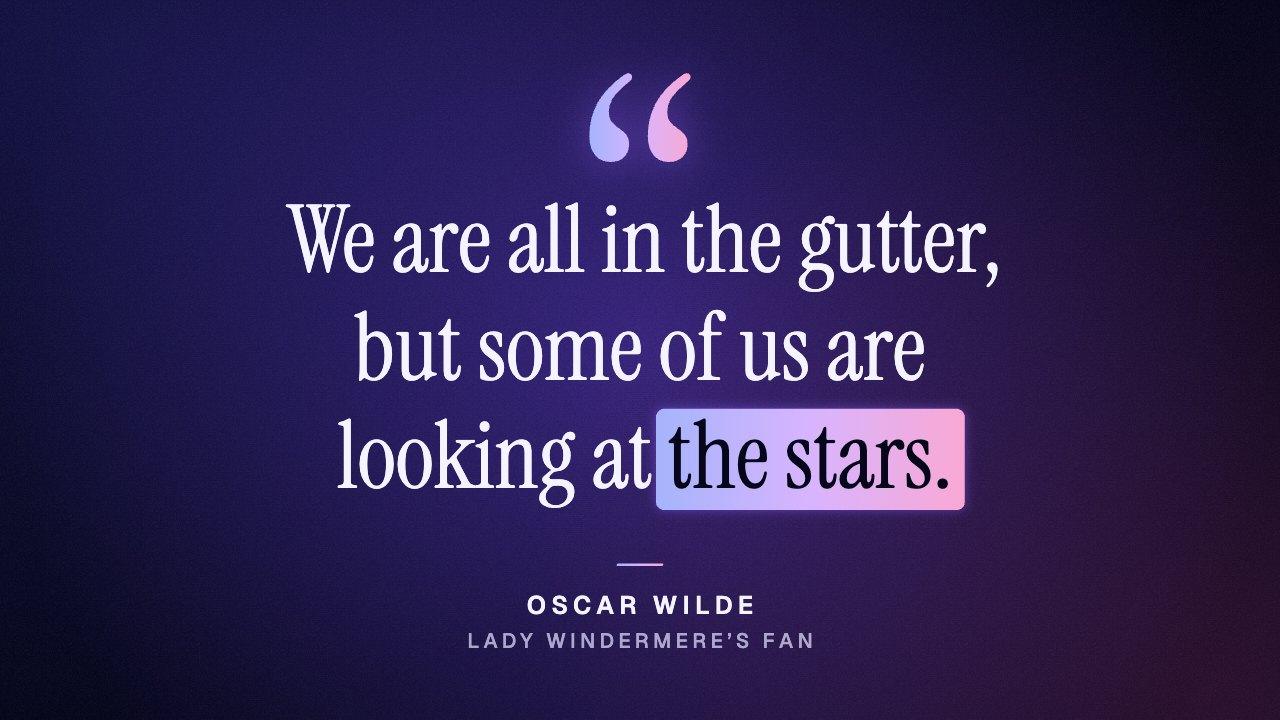
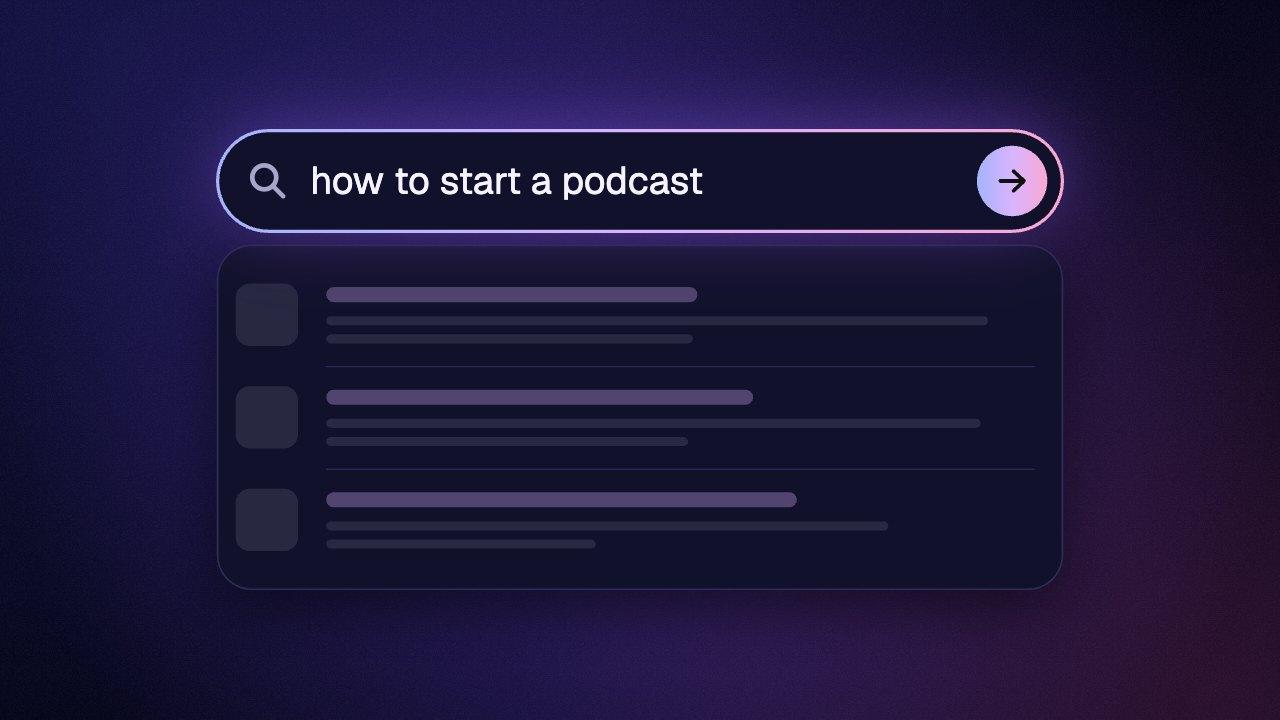
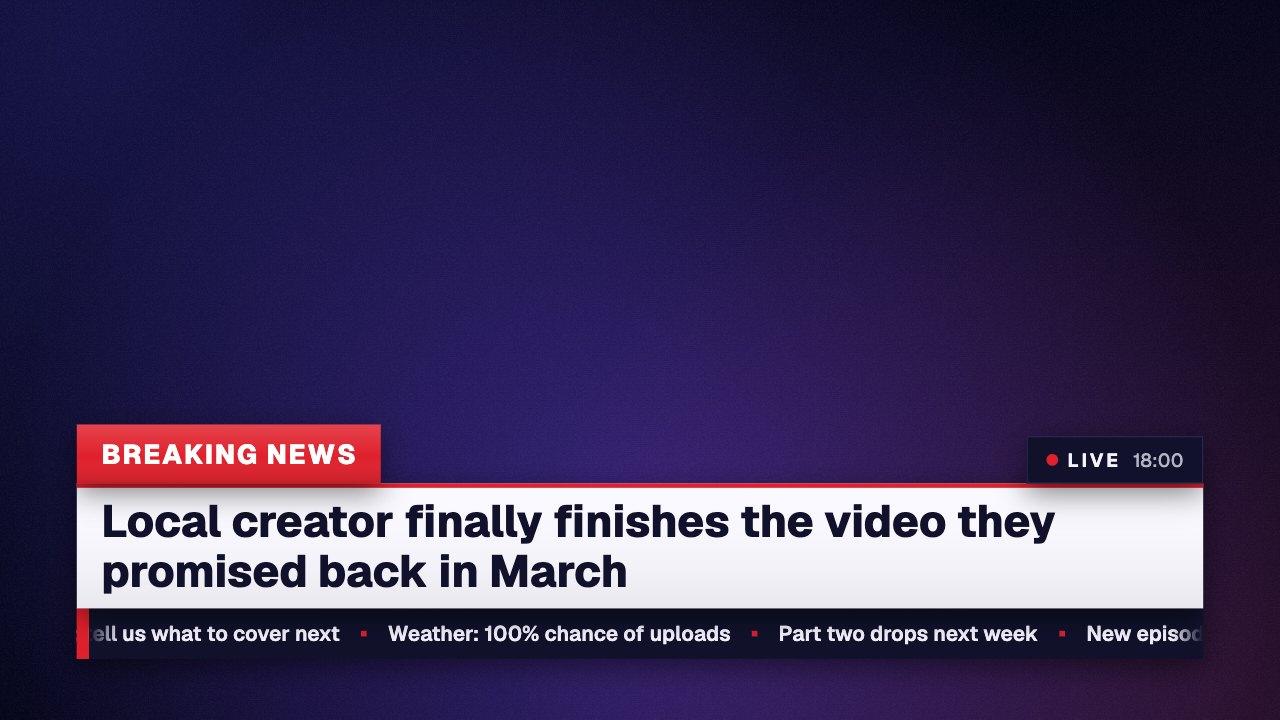
Lower thirds, typing, highlights and title animations.
Charts and lists
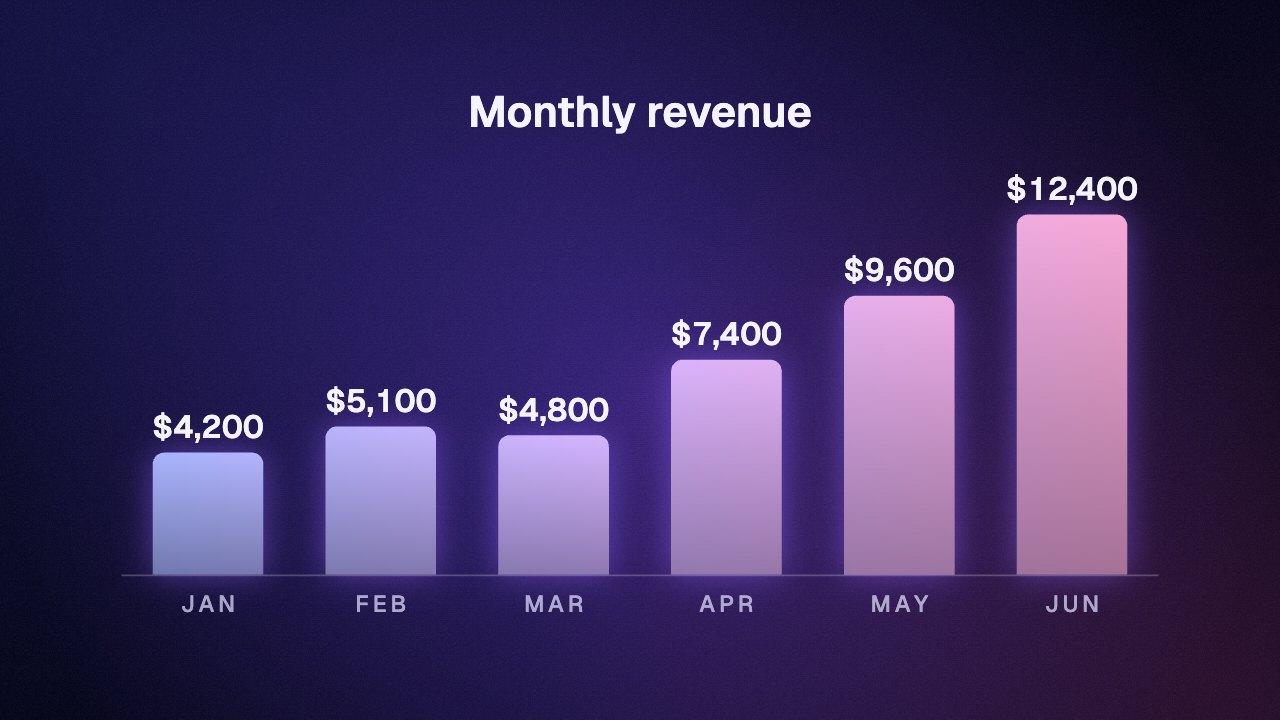
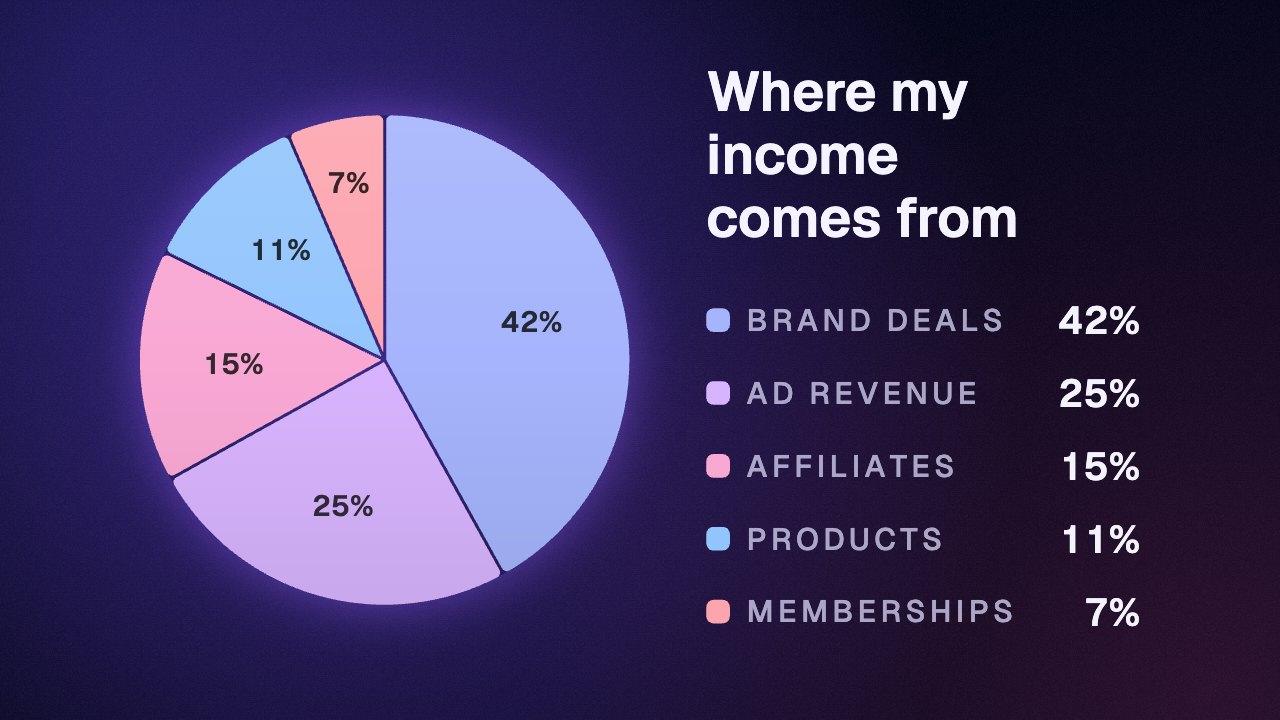
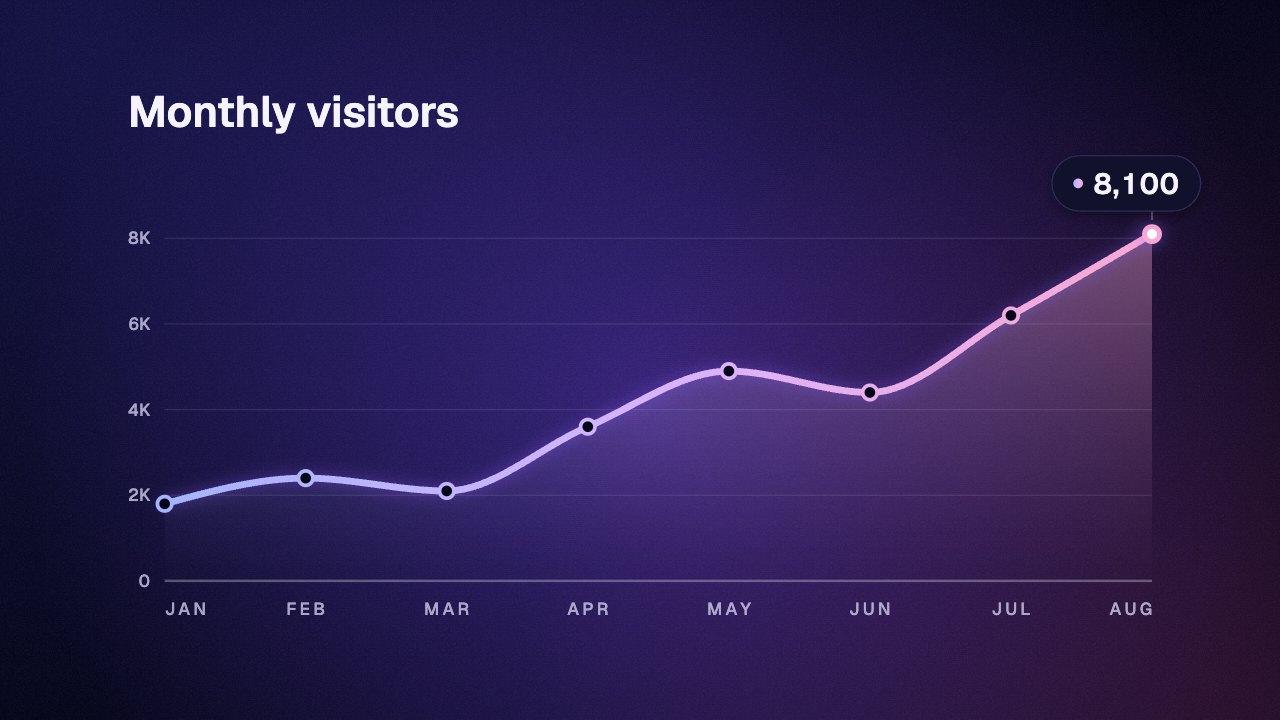
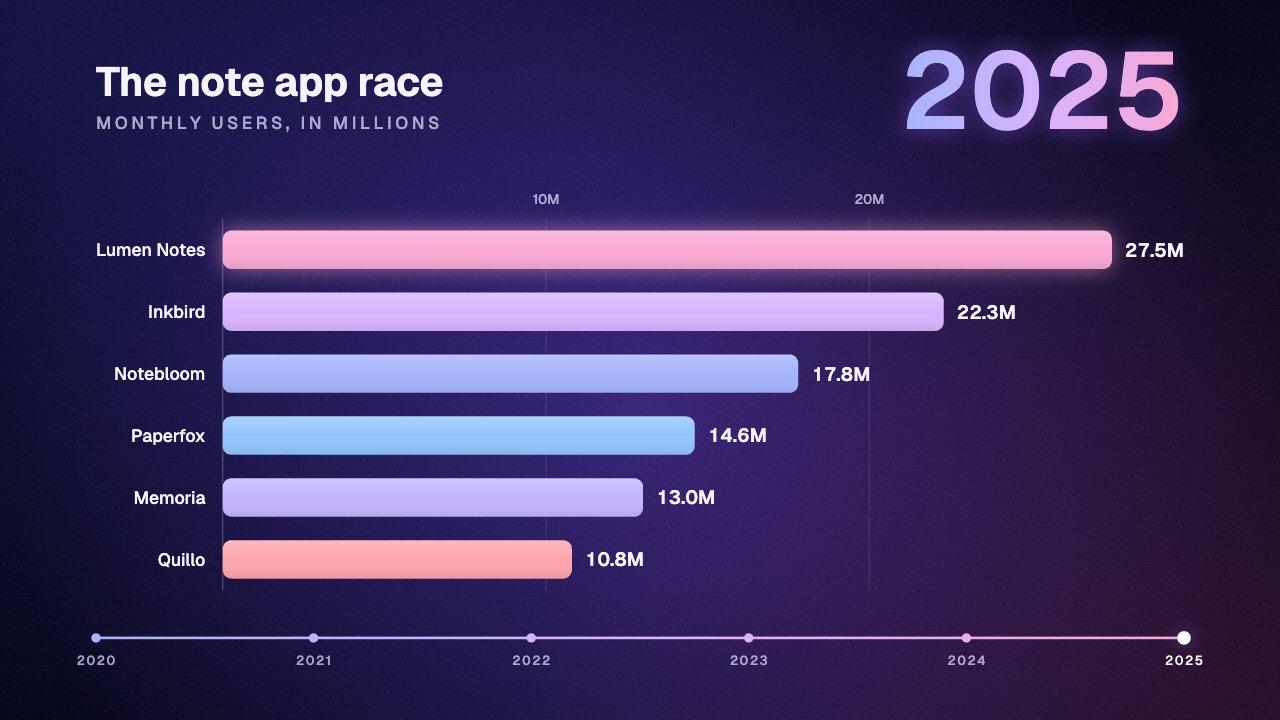
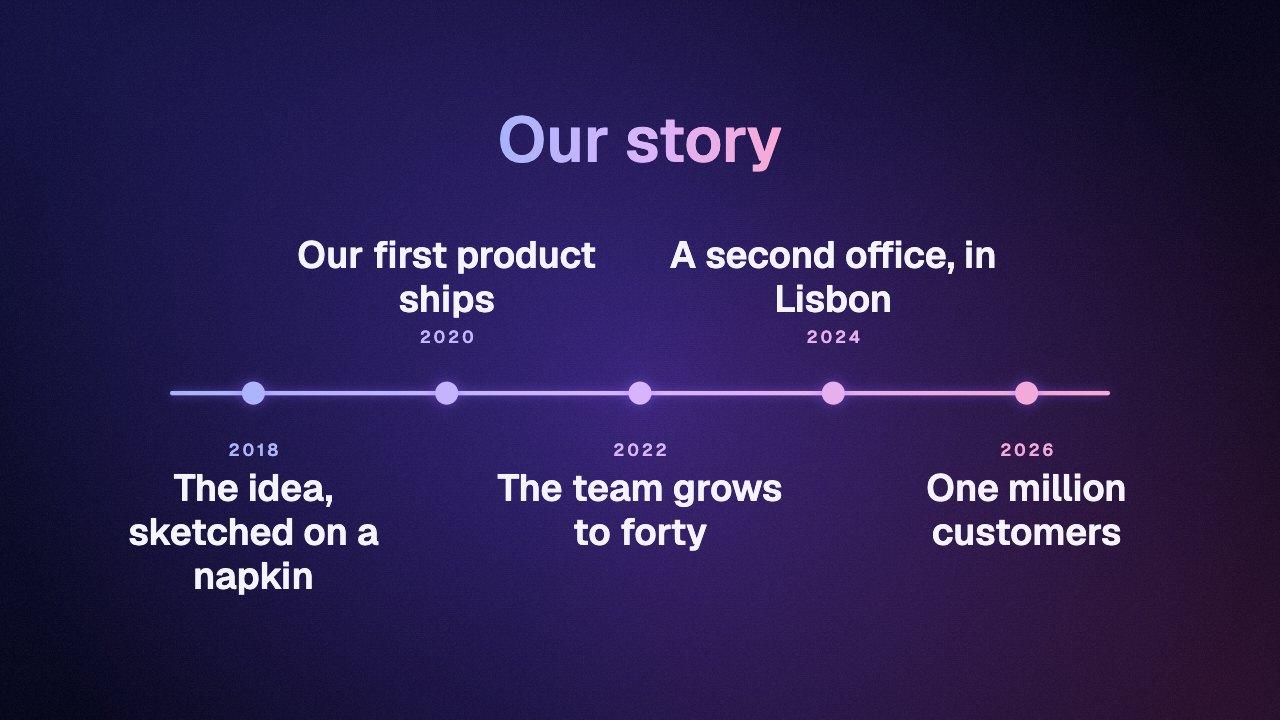
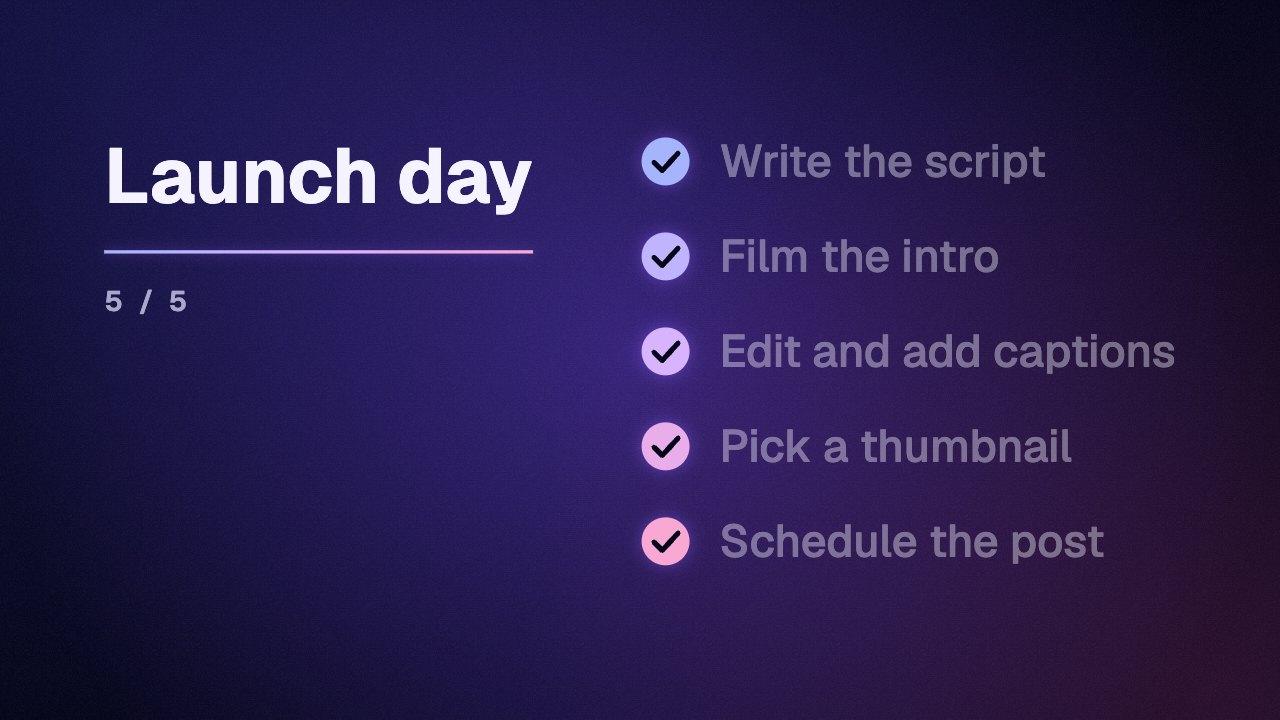
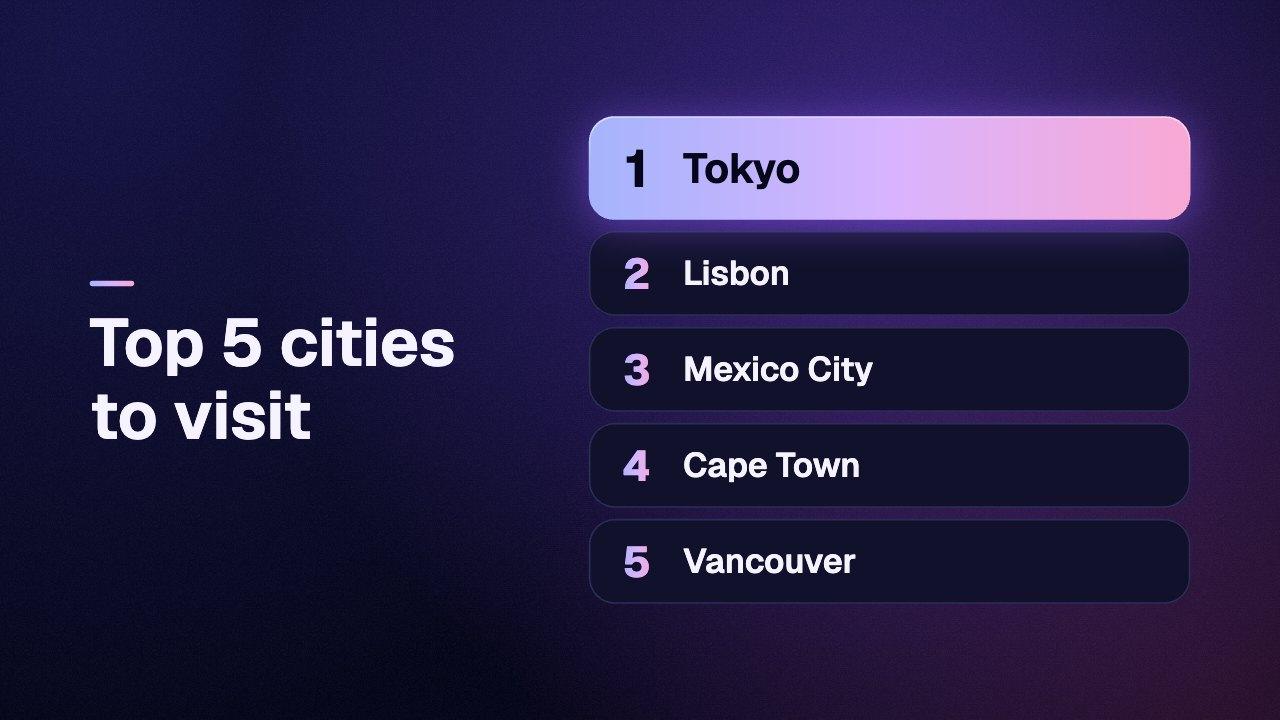
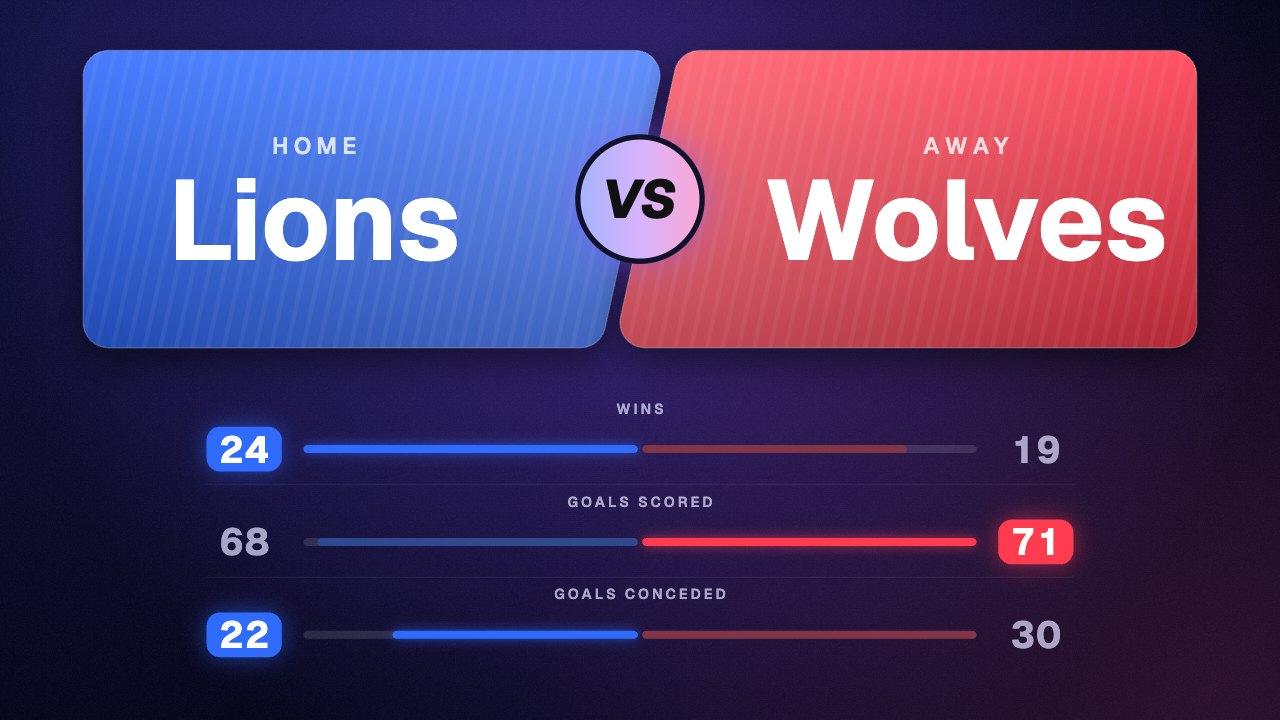
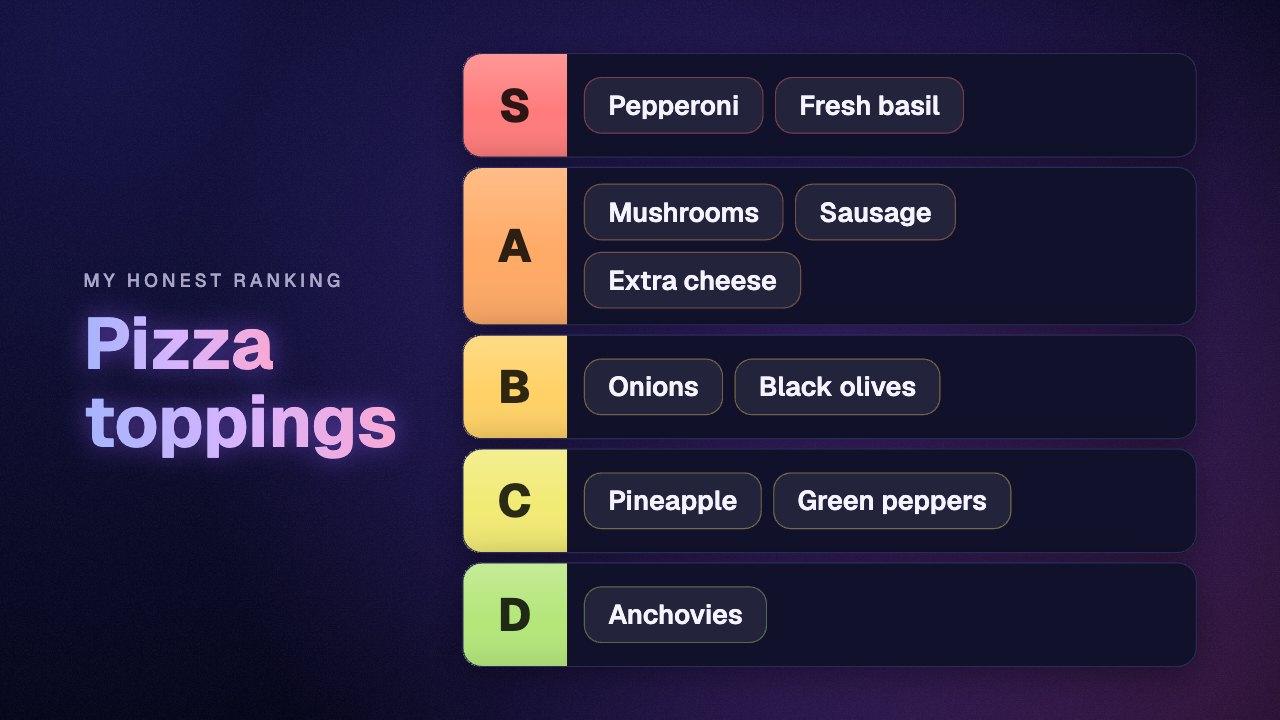
Bar charts, pie charts, timelines, rankings and checklists.
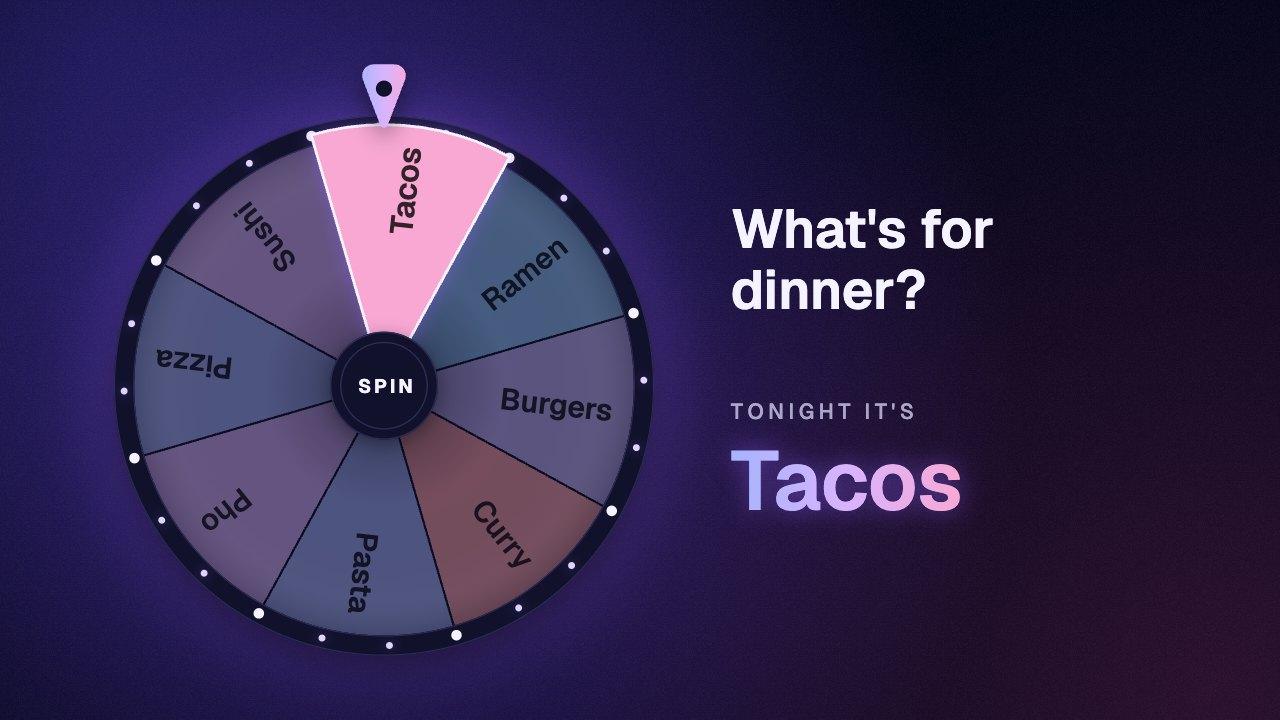
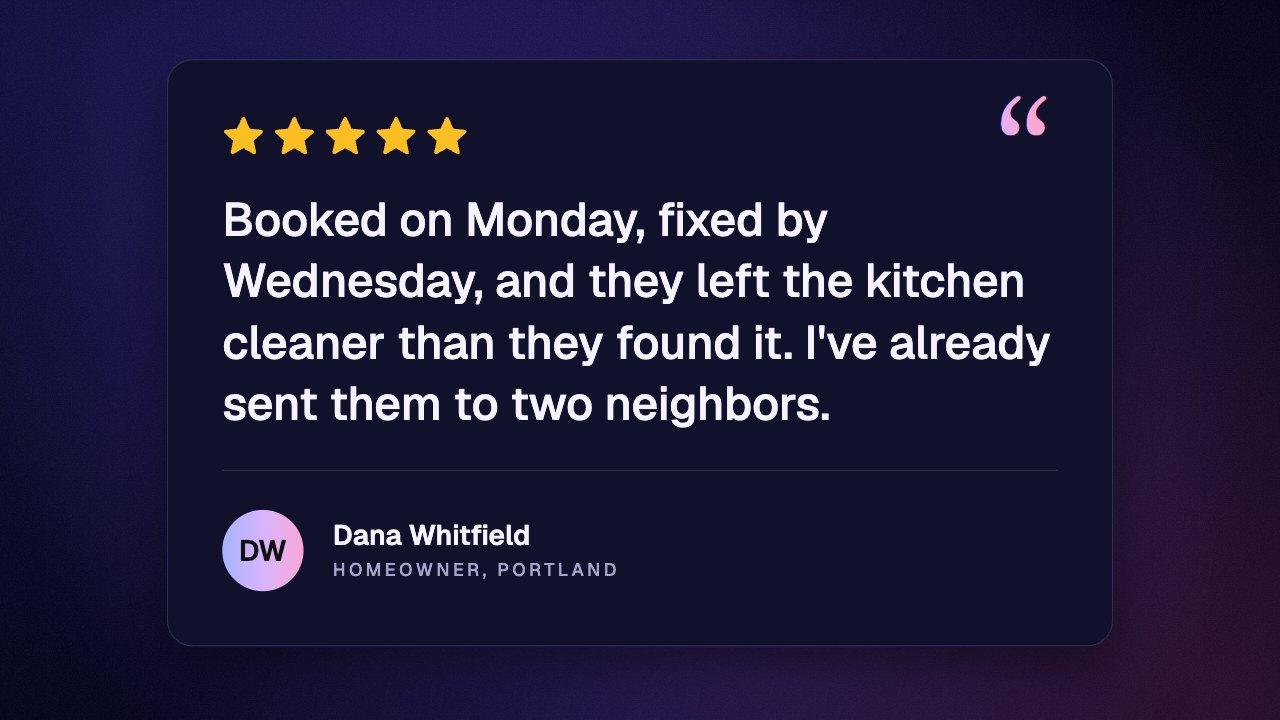
Overlays and effects
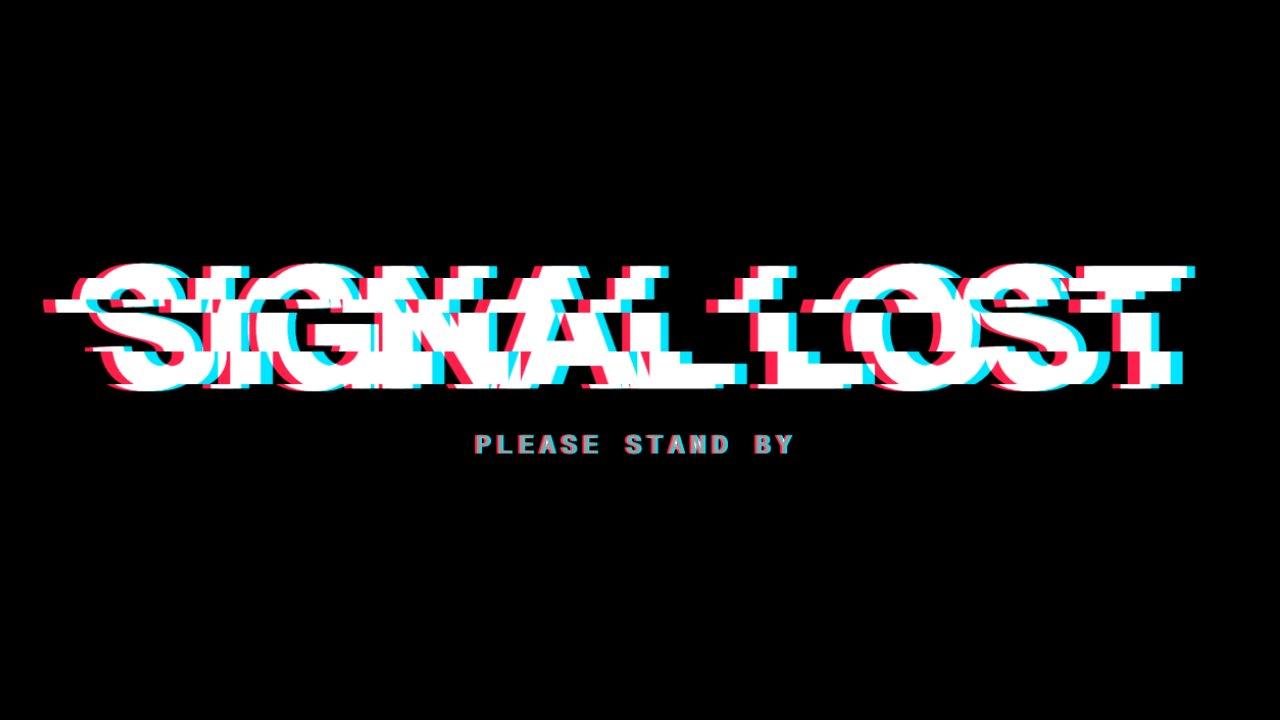
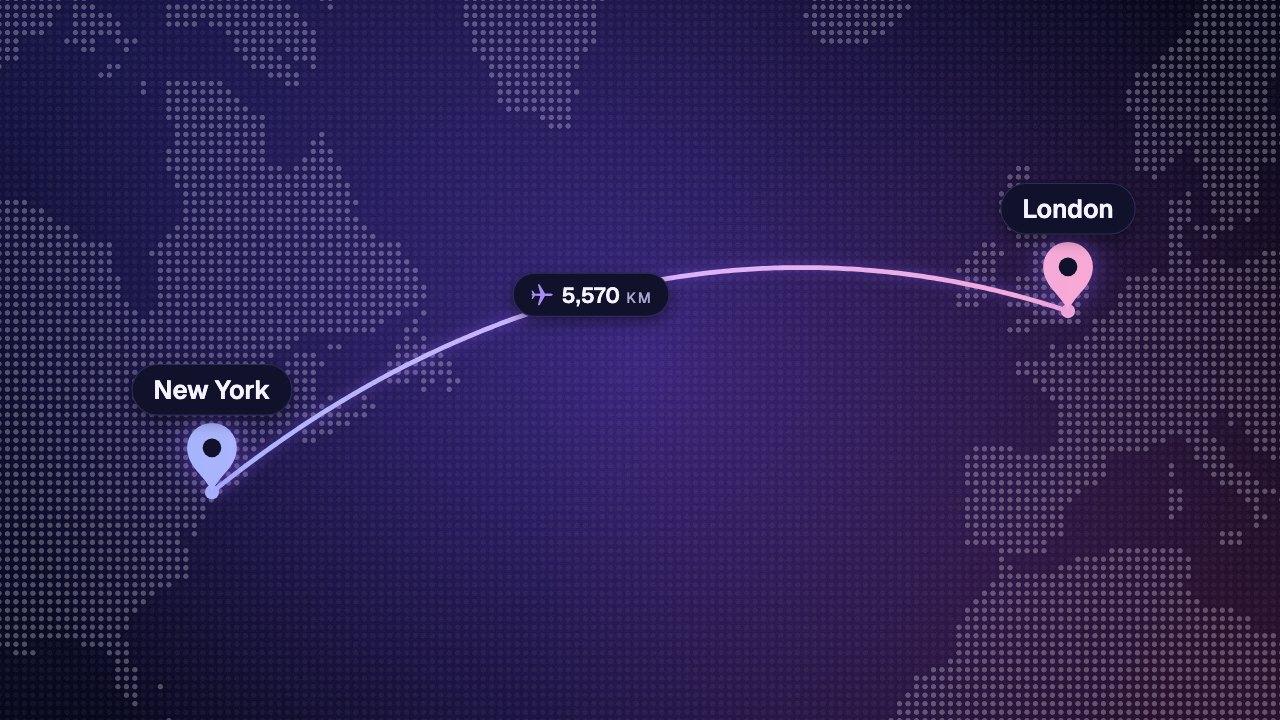
Maps, confetti, arrows, backgrounds and camera overlays.



How they work
From a blank frame to a finished clip in a minute.
1
Pick a graphic
A counter, a timer, a lower third, a chart, a subscribe button, a map route. Each one opens with a finished example already playing.
2
Make it yours
Type your own numbers and words, choose a style and a look, set the colors and the frame shape. The preview follows as you change things.
3
Download the MP4
The video is rendered in your browser at 1080p and saved to your device. Drop it into CapCut, Premiere Pro or any other editor.
Questions
Free motion graphics generators, answered.
What is a motion graphics generator?
Are these motion graphics generators really free?
What format do the graphics download in?
How do I add one of these graphics to my video?
Do the graphics have a transparent background?
Do I need to install anything or upload my video?
Which browsers do the generators work in?
Can I use the graphics in client work, ads or monetized videos?
What if I need a graphic these tools don't make?
Keep reading
Where to go next.
Your next video,
edited like the top 1%.
Drop it in. Say what should appear. Read the plan, press Build, and export the finished video — no After Effects, no editor, no template.
Make your first graphicPart of Pro, Ultimate and Scale · Export is free · Failed builds are refunded
Social and phone
Subscribe buttons, chats, comments and notifications.
Subscribe button
A pointer presses Subscribe, the button turns to Subscribed and a bell rings beside it. Alone, or in a bar with your channel's name.
Follow button
A profile chip with your username and initials. A fingertip taps Follow and the button turns to Following with a tick. As a pill, or a card with a follower count.
Text message video
A one-to-one text thread that types itself out: their bubbles on the left after the typing dots, yours on the right.
Comment reply overlay
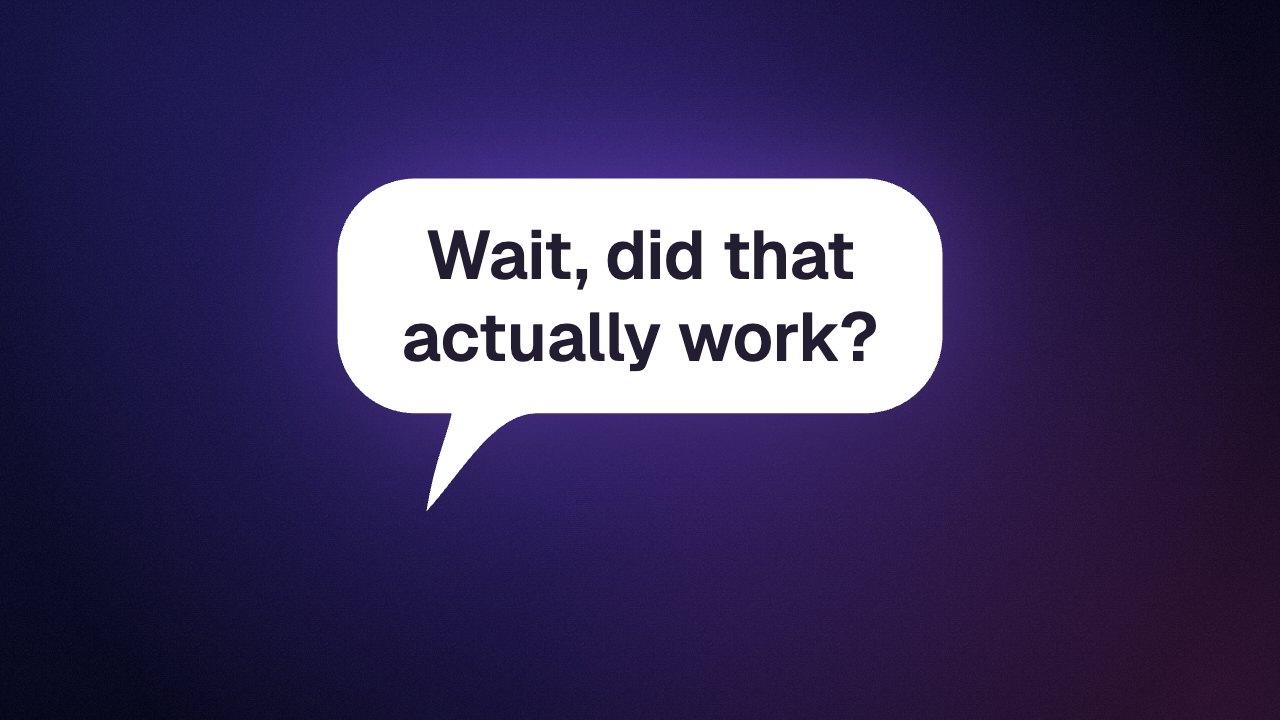
The “replying to a comment” sticker as a clip: a speech bubble with an avatar, a small line and the comment, which pops in and holds.
Notification animation
Three phone notifications stacking up one after another on glass cards, each with its own app tile, title and message.
Social post animation
A post card with an avatar, name, handle and text, then a heart that pops while the like count ticks up.
Incoming call
A call screen that rings for three seconds, then gets answered: the buttons change and a call timer starts.
Music player overlay
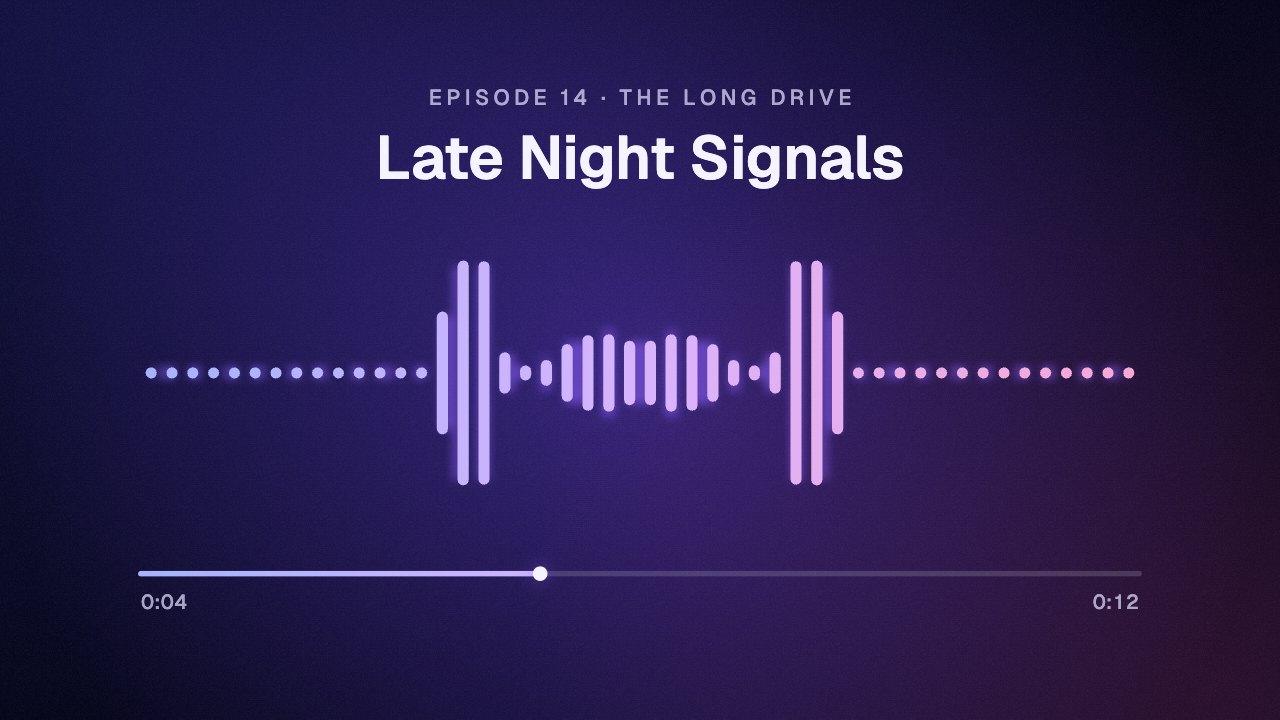
A now playing card that opens out of its cover, then plays: the progress bar moves, the times count and the equalizer bounces.