
Free text message video maker
Type a conversation and download it playing out message by message, with typing dots, bubbles and a chat header, as a 1080p MP4. For stories, skits and explainers. Free, no sign-up, no watermark.
How it works
How to make a text message video.
Four steps, about a minute, and nothing to install.
1
Add the people
The first person is you; add the others by name, 2 to 5 people in all. Choose Bubbles for a one-to-one thread or Group chat for a channel with avatars and names.
2
Write the conversation
Add up to 20 messages of 160 characters and pick who sends each one. Emoji work. Set the chat name, the line under it and the time stamp.
3
Set the pace and the look
Reading speed runs from 0.5× to 2×, and typing dots can be on or off. Then pick one of six looks, a dark or light thread, and your own bubble color.
4
Download the MP4
Press Download. The video is rendered in your browser at 1080p and saved to your device. No account, no watermark.
Ready-made versions
Start from the one you came for.
Each one opens its own maker with the settings filled in. Change anything, then download.
When a chat video isn’t enough
The free chat video is the starting point.
Here you get a chat on a background, played out at reading pace. In Rescroll you describe the graphic you actually want — “as I tell this story, show the texts popping up beside me, each one landing as I read it out” — and it's designed from scratch on your own video, placed around you and timed to the exact word you say. Not right yet? Ask for the change in the chat.
Free chat video
Rescroll
One chat design, in your colors
Any design you can describe, matched to your logo, fonts or a screenshot
A full-frame clip you cut into your edit
Built on your own video, placed around you
Messages paced by their length
Each message lands on the exact word you say
Change it with the settings here
Change anything by asking in the chat
Part of the Pro, Ultimate and Scale plans.
Both built in Rescroll from a description.
The basics
What is a text message video?
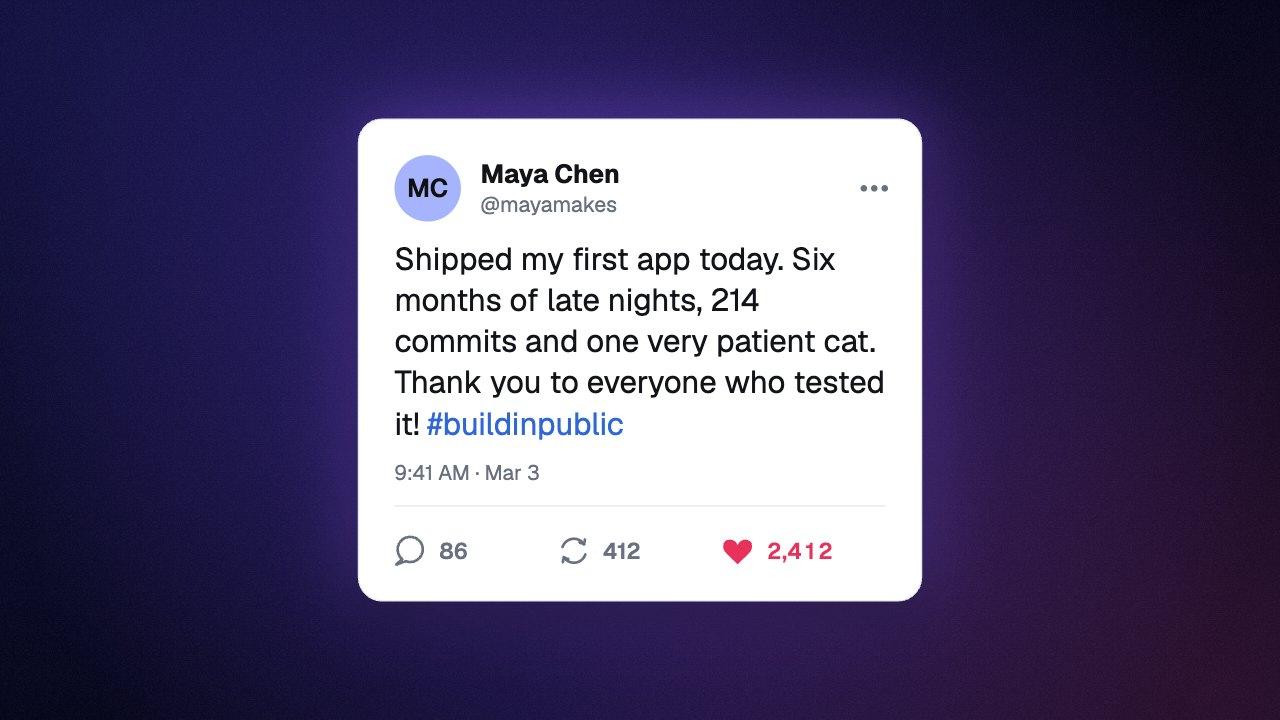
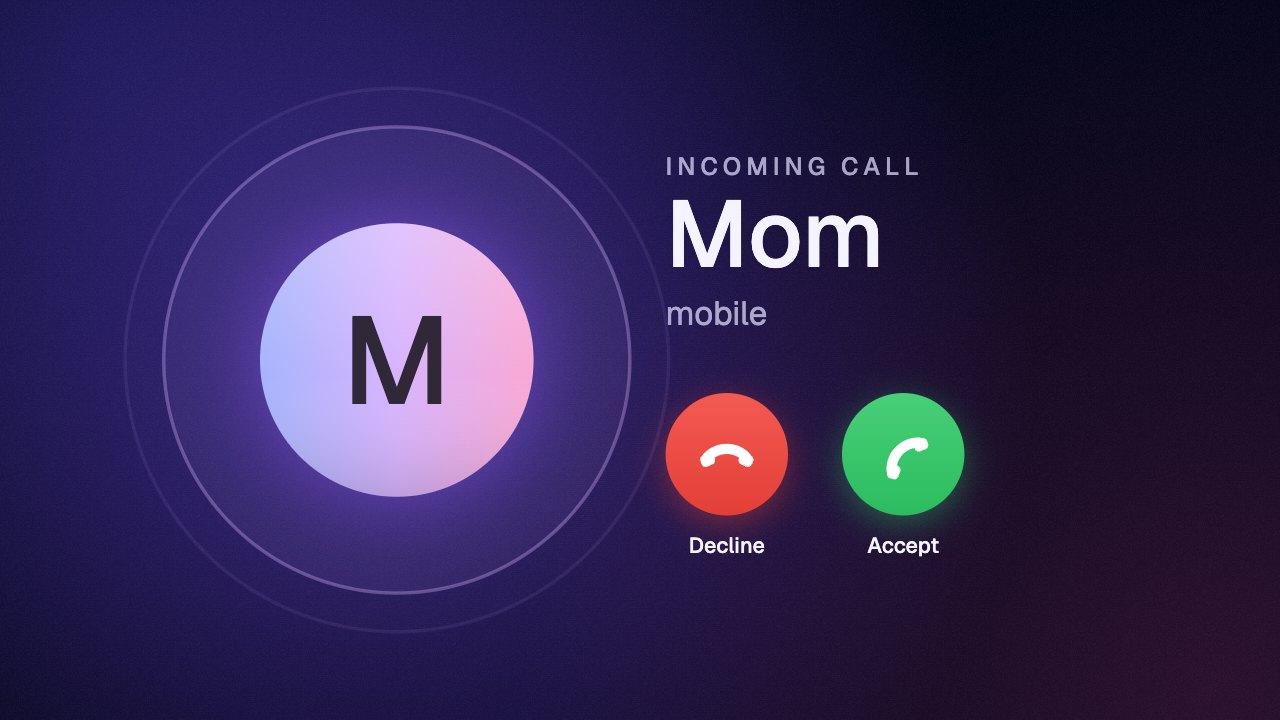
A text message video is a clip of a chat conversation playing out on screen, one message at a time, as if you were watching someone's phone. It's the format behind text stories, comedy skits, “when your friend…” videos and short explainers told as a conversation.
This maker draws the conversation from what you type. Each of the other person's messages is preceded by typing dots that grow into the bubble, runs of messages from the same person join up with a tail on the last one, and the thread glides up as each new message arrives. One to three emoji on their own show large, without a bubble.
You never set timings by hand: each message stays on screen in proportion to its length, so short replies snap past and long ones get time to be read. Reading speed slows the whole conversation down or speeds it up.
What you download
- Price
- Free. No sign-up, no email, no watermark.
- Format
- MP4 (H.264), no audio
- Resolution
- 1080p: 1080×1920, 1920×1080, 1080×1080 or 1080×1350
- Frame rate
- 30 or 60 fps
- Conversation
- 2 to 5 people, up to 20 messages of 160 characters
- Layouts
- Bubbles (one-to-one or group) and Group chat (avatar, name and time per run)
- Length
- Set by the messages: each stays up in proportion to its length, at 0.5× to 2× reading speed, plus up to 5 seconds at the end
- Colors
- Six looks, a dark or light thread, your own bubble color and any background color
- Where it runs
- In your browser. Nothing is uploaded.
Questions
Text message video: your questions, answered.
How do I make a text message video?
Can I use this to fake a real conversation?
Does it look like WhatsApp, iMessage or Discord?
How do I choose who sends each message?
How long does each message stay on screen?
Can I turn off the typing dots?
Can I use emoji in the messages?
Can I change the bubble colors?
Can I change the name, the status and the time?
What's the best size for a text message video?
Is the text message video maker free?
What format and resolution is the video?
Is my video uploaded anywhere?
Which browsers does it work in?
Can I use the chat video in client work, ads or monetized videos?
Can I match my brand, add my logo or change the design?
More free tools
Other graphics you can make here.
All free, all made in your browser, all without a watermark. See every free tool.
Keep reading
Where to go next.
Your next video,
edited like the top 1%.
Drop it in. Say what should appear. Read the plan, press Build, and export the finished video — no After Effects, no editor, no template.
Make your first graphicPart of Pro, Ultimate and Scale · Export is free · Failed builds are refunded