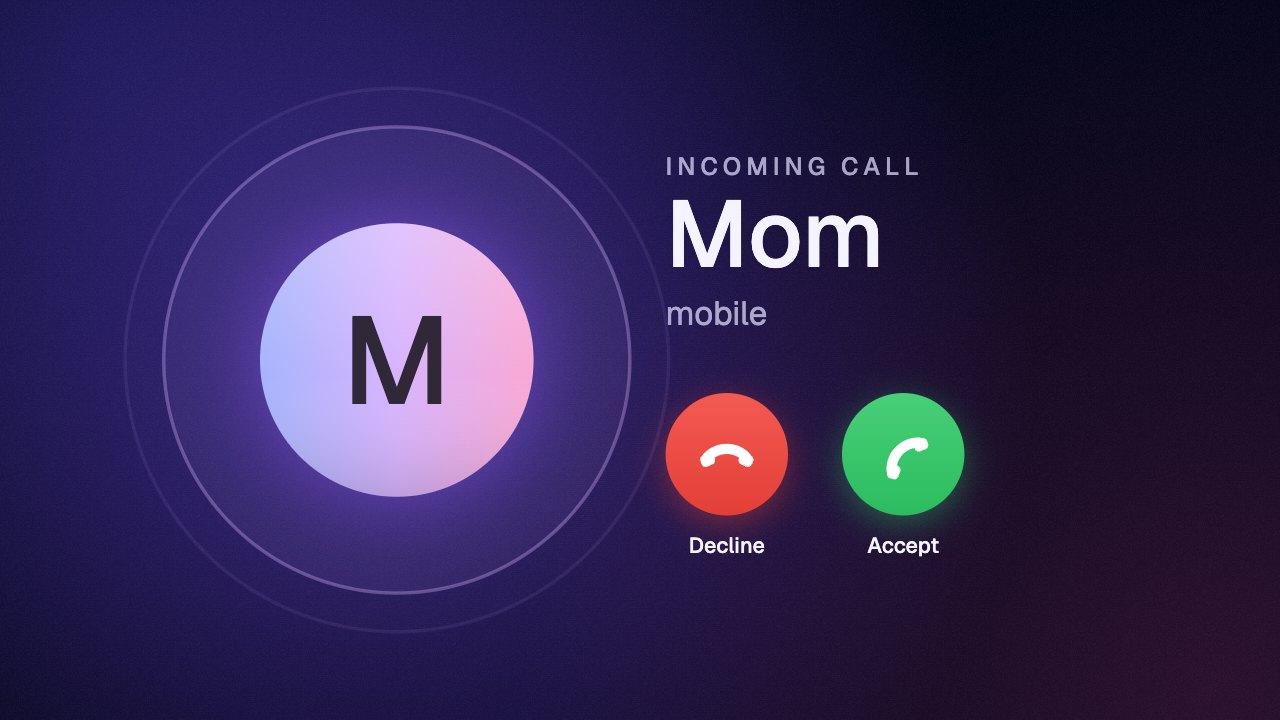
How to add a social post animation in CapCut
Download the social post animation on a green background. In CapCut, drag it onto the track above your video so it sits on top as an overlay. Select it, open Video → Remove BG → Chroma key, pick the green with the color picker and raise Strength until the background is gone. Menu names move a little between CapCut versions; look for Chroma key.