Rescroll

Free notification animation maker

Type up to four notifications and watch them arrive one after another as a banner, a stack or a lock screen. Download it as a 1080p MP4 made in your browser. Free, no sign-up, no watermark.

How it works

How to make a notification animation.

Four steps, about a minute, and nothing to install.

  1. 1

    Write the notifications

    Add up to four, in the order they should arrive. Each has an app name, a time, a title and a message, and a tile with a letter or an emoji in one of eleven colors.

  2. 2

    Choose the layout

    Banner shows one at a time with the earlier ones tucked behind, Stack builds a list, and Lock screen puts a large clock and date above them. Put a banner or a stack at the top or in the middle.

  3. 3

    Set the timing and the look

    Space the notifications 0.5 to 3 seconds apart and keep the last one on screen for 1 to 6 seconds. Then pick dark or light cards and one of six looks, or a green background to key out.

  4. 4

    Download the MP4

    Press Download. The video is rendered in your browser at 1080p and saved to your device, usually in a few seconds. No account, no watermark.

When a notification animation isn’t enough

The free notification animation is the starting point.

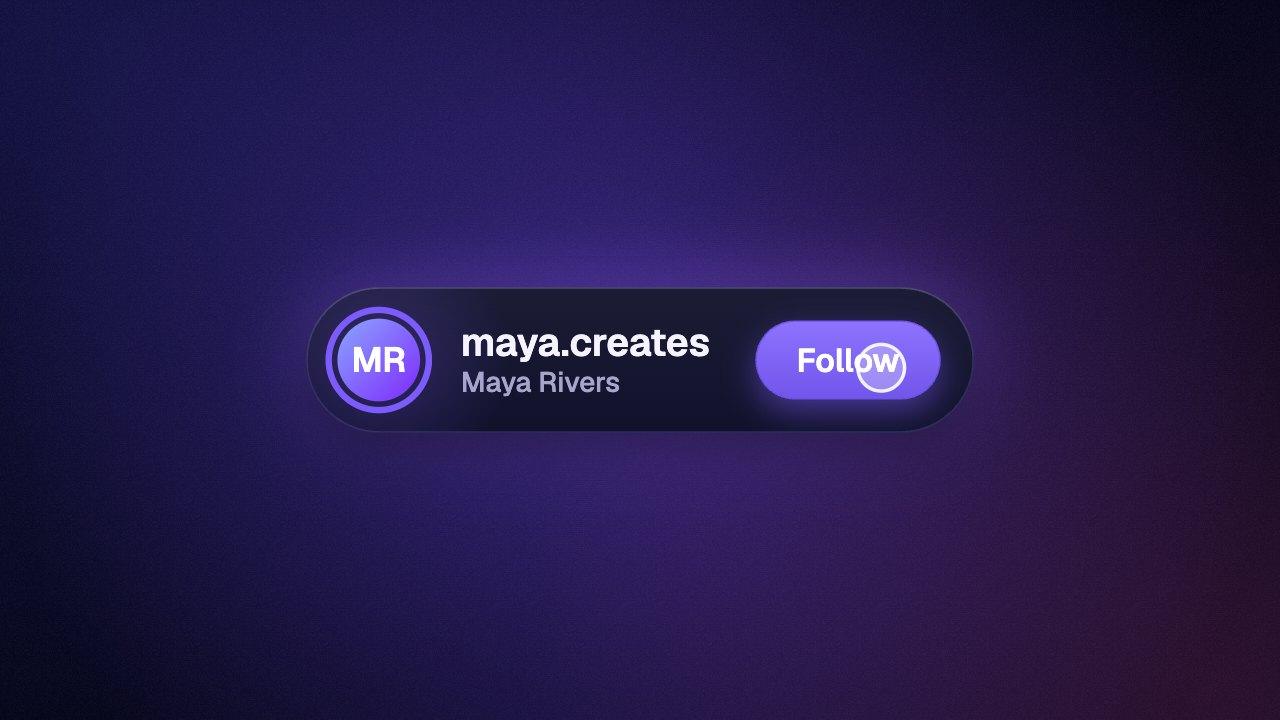
The free maker draws generic notifications on a background. In Rescroll you describe the graphic you want, like “as I say my phone blew up, have three sponsor emails slide in beside me, then a payment notice for $4,000 on the word paid”, and it's designed from scratch on your own video, placed around you and timed to the exact word you say. Attach a screenshot or your logo for it to match, and change anything by asking in the chat.

Free notification animation

Rescroll

Generic cards with a letter or emoji tile

Any design you can describe, matched to your logo, fonts or a screenshot

A clip you overlay and key out yourself

Built on your own video, placed around you

You line each notification up in your editor

Each one lands on the exact word you say

Change it with the settings here

Change anything by asking in the chat

Part of the Pro, Ultimate and Scale plans.

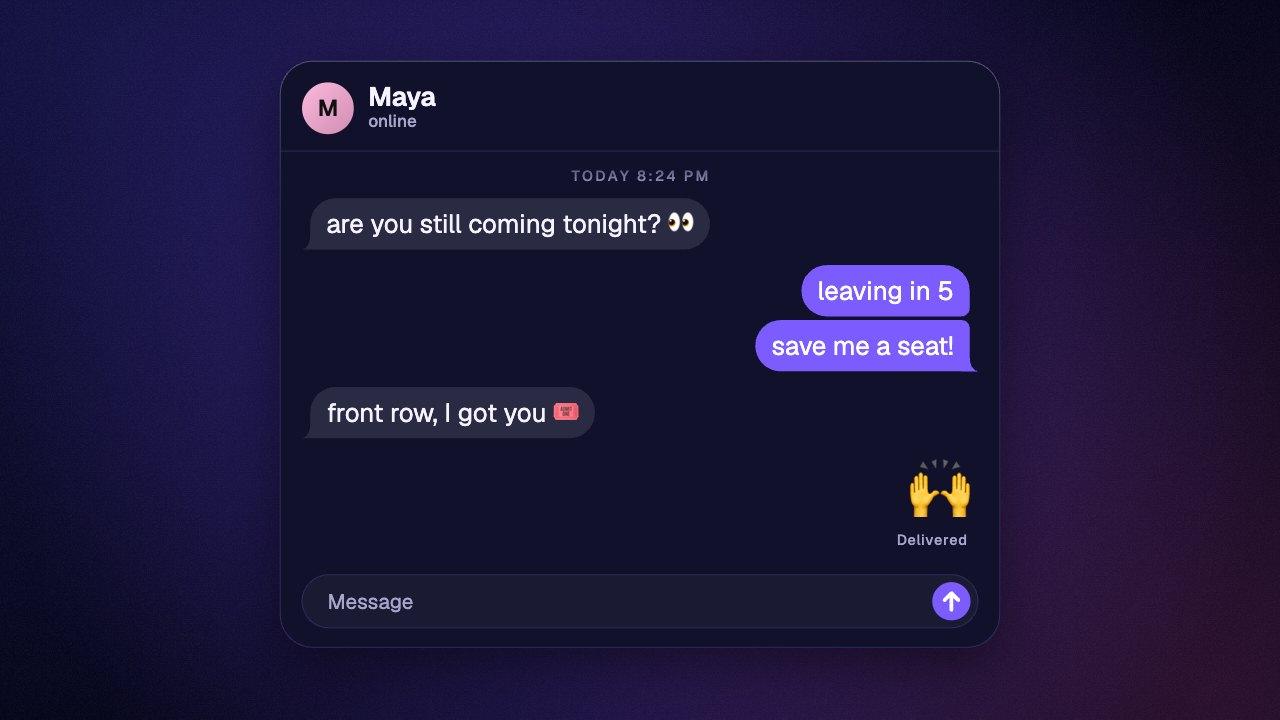
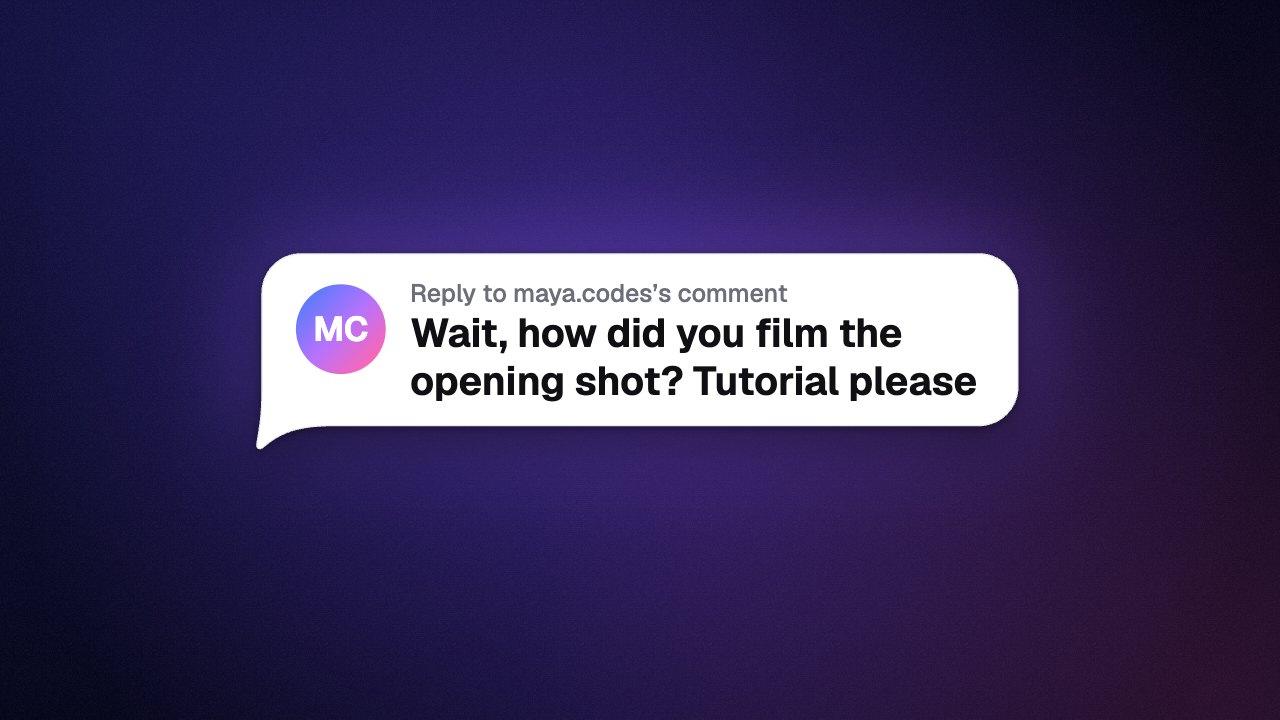
Posts and chat. Two posts slide in, then the chat answers.
Before you post. Each setting changes as she names it.

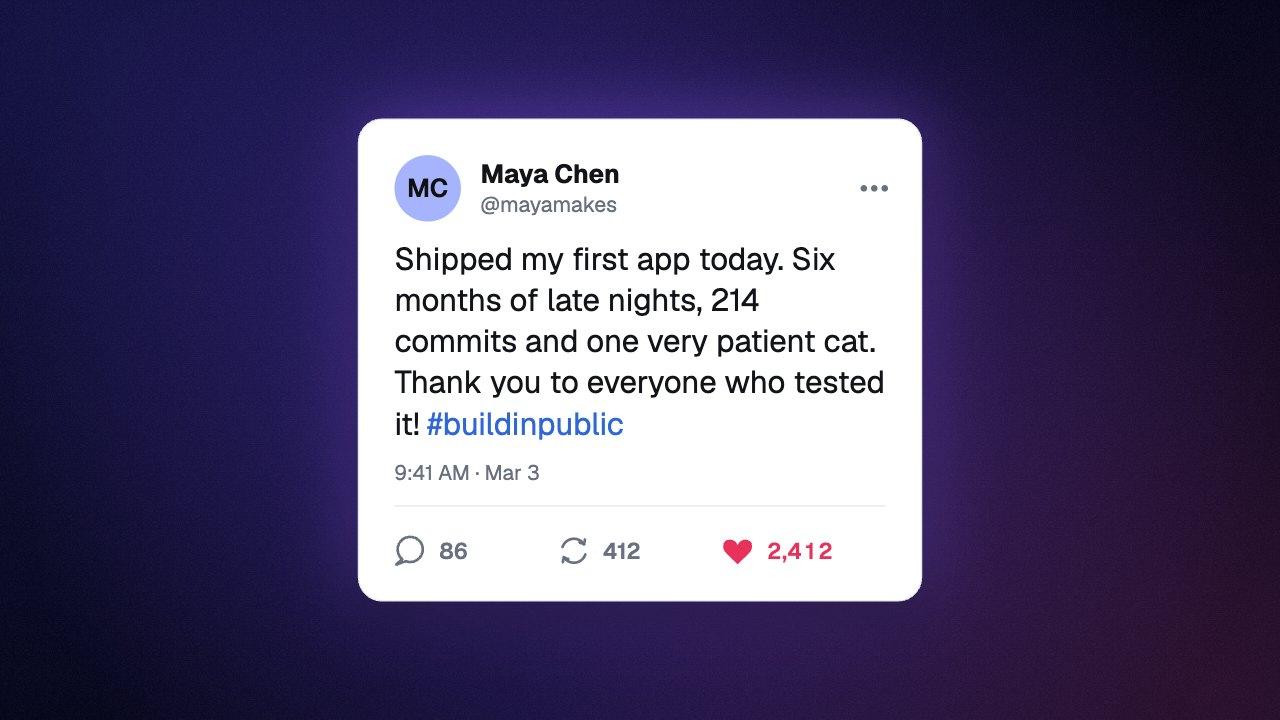
Both built in Rescroll from a description.

The basics

What is a notification animation?

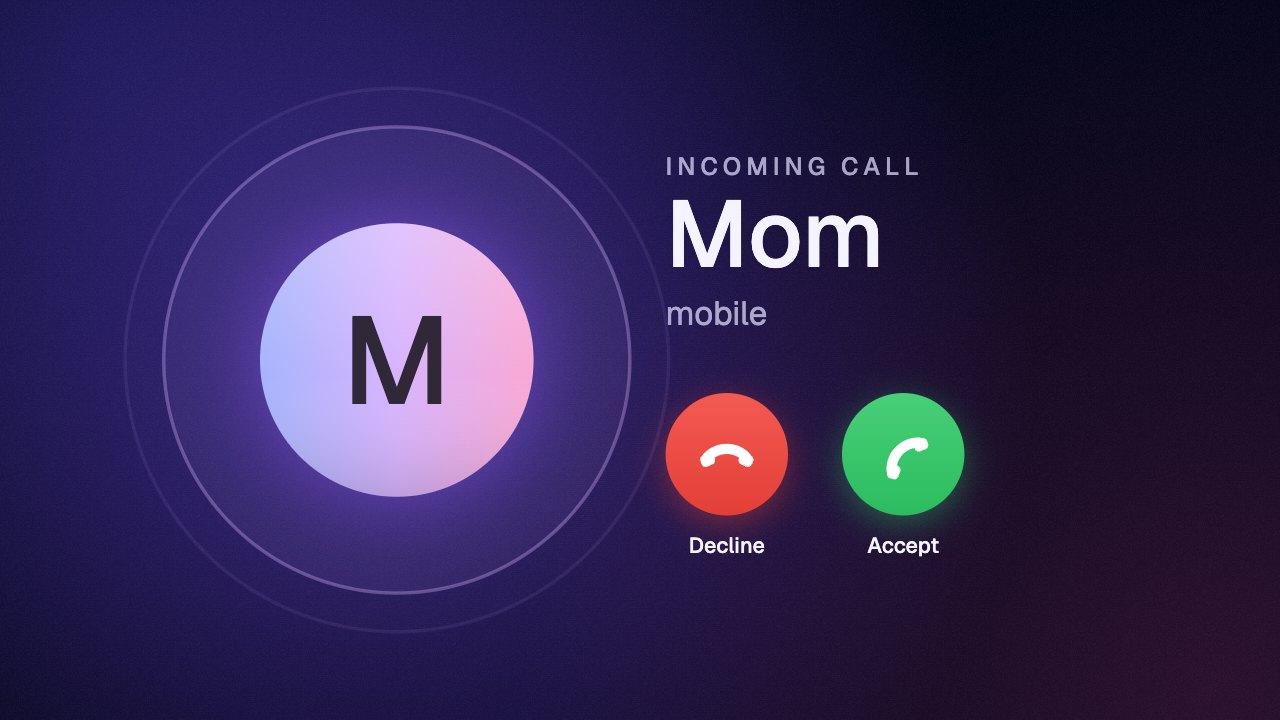
A notification animation is a short clip of phone notifications arriving on screen, one after another, the way they land on a real phone. Editors use it to show a story beat in a skit, a payment or a message coming in, a launch-day morning, or simply that someone's phone won't stop buzzing.

This maker draws its own generic cards: a colored tile with a letter or an emoji, the app name and the time, then a bold title and the message. Banner shows one at a time with the earlier ones tucked behind it, Stack piles each new one on top of the list, and Lock screen puts a large clock and date above them.

Keep the messages short. A notification reads at a glance, and a line or two holds attention better than four. Give each one a different tile color so viewers can tell them apart as they arrive.

What you download

Price
Free. No sign-up, no email, no watermark.
Format
MP4 (H.264), no audio
Resolution
1080p: 1080×1920, 1920×1080, 1080×1080 or 1080×1350
Frame rate
30 or 60 fps
Notifications
1 to 4, each with an app name, a time, a title and a message
Layouts
Banner, stack or lock screen with a clock and date
Timing
0.5 to 3 seconds apart, then 1 to 6 seconds on screen
Cards
Dark or light: glass over the six looks, solid on green
Colors
Six looks, or any text color on any background color
Overlay
Green background for chroma key
Where it runs
In your browser. Nothing is uploaded.

In your editor

Put the notification animation on your video.

An MP4 has no transparent background, so the notification animation comes ready to key. Set the background to green and remove it with chroma key.

How to add a notification animation in CapCut

Download the notification animation on a green background. In CapCut, drag it onto the track above your video so it sits on top as an overlay. Select it, open Video → Remove BG → Chroma key, pick the green with the color picker and raise Strength until the background is gone. Menu names move a little between CapCut versions; look for Chroma key.

How to add a notification animation in Premiere Pro

Put the notification animation on a video track above your footage. From the Effects panel, drag Ultra Key onto it and click the Key Color eyedropper on the green.

How to add a notification animation in DaVinci Resolve

Place the notification animation on the track above your footage. On the Edit page, open Effects → Open FX, find 3D Keyer under Resolve FX Key and drag it onto the clip, then sample the green in the viewer with the Open FX overlay switched on.

How to add a notification animation in Final Cut Pro

Connect the notification animation above your footage in the timeline. From the Effects browser, drag the Keyer effect onto it; it finds and removes the green by itself.

Questions

Notification animation: your questions, answered.

How do I make a notification animation?

In the maker at the top of this page, type up to four notifications, choose Banner, Stack or Lock screen, and press Download. You get a 1080p MP4 of them arriving one after another, made in your browser with no sign-up and no watermark.

Can I make a notification look like it's from a real app or a real person?

Make it for skits, stories, explainers and parody, where viewers know it's part of the video. Don't pass it off as a real notification, and don't use it to put words in a real person's mouth or to make a real company appear to have sent something it didn't.

Can I make notifications that look like an iPhone's?

They're in the same spirit, glass cards with an app tile, a title and a message, but the design is generic rather than a copy of iOS or any phone's screen. There are no real app icons, and the maker isn't affiliated with Apple.

Can I change the app icon?

Each notification has a rounded tile with a letter or an emoji on it, in one of eleven colors: ten fixed ones and Look, which takes the colors of the look you chose. Leave the icon empty and the tile shows the app's first letter. Real app logos can't be added.

How many notifications can I add?

Up to four. They arrive in the order you list them, and you can reorder them with the arrows on each one.

How do I make notifications pop up one after another?

Add two or more and set “Time between notifications”, from 0.5 to 3 seconds. In the Stack and Lock screen layouts each new one lands on top and pushes the others down; in Banner it lands in front and the earlier ones tuck behind it.

Can I put the notifications at the top of my video?

Yes. Set Position to Top and they drop in from the top edge of the frame, the way a phone's banners do. Make it on a green background and key the green out in your editor to lay them over your footage.

Can I make light mode notifications?

Yes. Set Cards to Light for white cards with dark text, or Dark for dark cards with light text. Text color in the Look panel changes the titles and messages, and the clock on the lock screen.

How long is the video?

It depends on how many notifications there are and how far apart they arrive. The three on this page run about five seconds; four notifications 3 seconds apart with a 6 second rest at the end run about sixteen.

Does the video have a notification sound?

No. The MP4 is silent. Add the sound you want in your editor, lined up with each notification as it lands.

Is the notification animation maker free?

Yes. It's free to use and free to download, with no account, no email address and no watermark on the video. There's no limit on how many you make.

What format and resolution is the video?

An MP4 with H.264 video, at 1080p in the shape you choose: 1080×1920 (9:16) for TikTok, Reels and Shorts, 1920×1080 (16:9) for YouTube, 1080×1080 (1:1), or 1080×1350 (4:5) for the Instagram feed. You can export at 30 or 60 frames per second.

Can I get the notification animation with a transparent background?

MP4 can't store transparency, so the notification animation comes ready to key instead. Set the background to green and remove it with chroma key in your editor. Only the notification animation is left over your footage.

Is my video uploaded anywhere?

No. The notification animation is drawn and encoded on your own device, using your browser's built-in video encoder. Nothing is sent to a server and there's no render queue.

Which browsers does it work in?

It needs a browser that can encode video with the WebCodecs API: current versions of Chrome, Edge and Safari, and Firefox on a computer. If your browser can't, the page tells you before you start.

Can I use the notification animation in client work, ads or monetized videos?

Yes. The video you download is yours to use in personal and commercial projects, with no attribution needed.

Can I match my brand, add my logo or change the design?

Not in the free maker, which is deliberately simple. That's what Rescroll's AI motion graphics are for: describe the graphic you want in plain English, attach your logo, fonts or a screenshot of your style, and it's designed from scratch on your own video, placed around you and timed to the word you say. Ask for any change in the chat. It's part of the Pro, Ultimate and Scale plans.

Your next video,
edited like the top 1%.

Drop it in. Say what should appear. Read the plan, press Build, and export the finished video — no After Effects, no editor, no template.

Make your first graphic

Part of Pro, Ultimate and Scale · Export is free · Failed builds are refunded