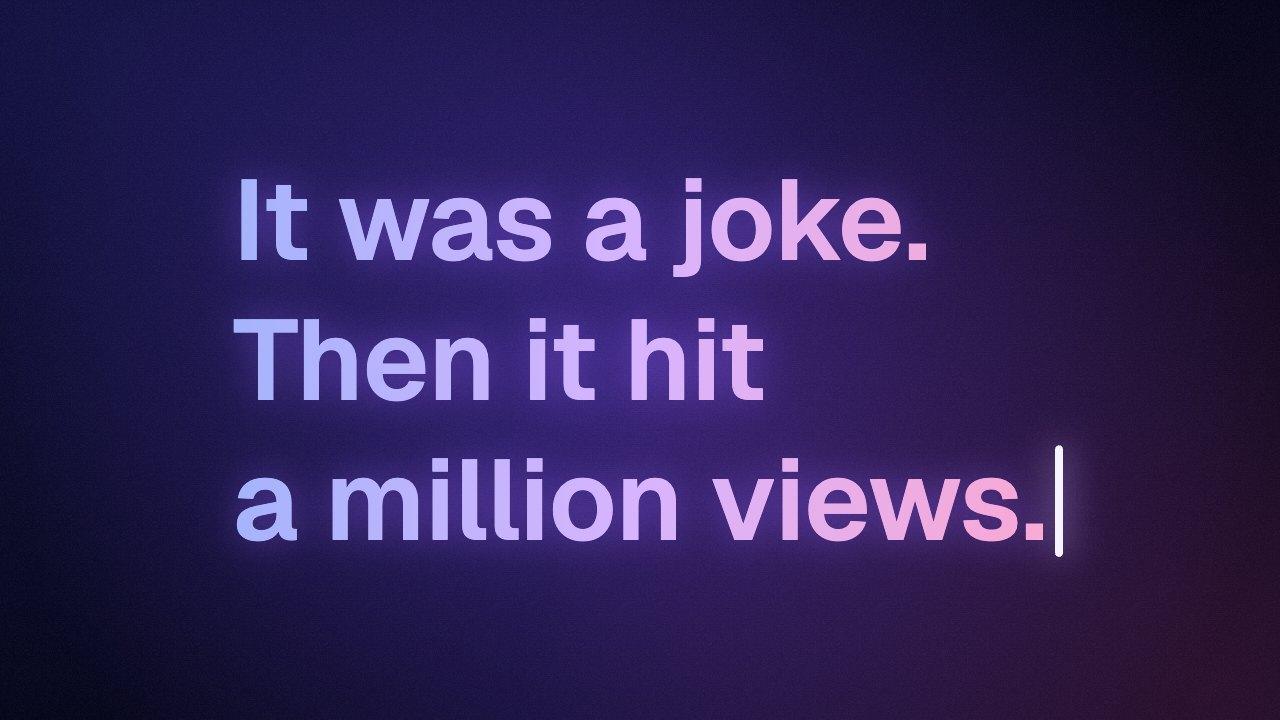
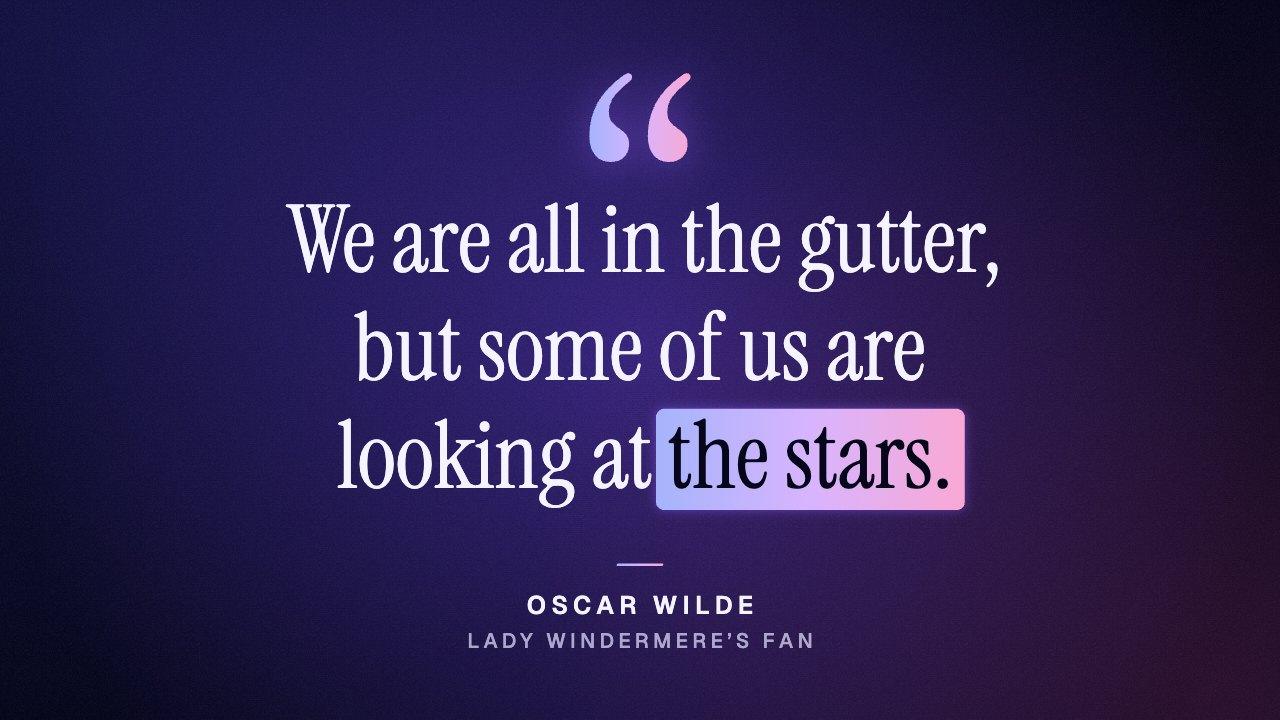
A text highlight animation is a short clip of a sentence in which a few words get marked as you watch: a highlighter swept behind them, a line drawn under them, a loop drawn round them or a line struck through them. It points the viewer at the part of a quote, a tip or a script that matters.
This maker draws the marks the way a hand would. The highlighter has a slanted tip, streaks and a little pooled ink where it landed, and at Medium and Bold the words under it switch to a color that reads on it as the tip passes. The pen marks swell and taper like ink, and no two lines wobble the same way. If the words you mark run onto a second line, each line gets its own stroke, drawn one after the other.
Keep the marked words short, two to five of them, so the mark lands quickly and reads at a glance. To line the mark up with a word in your voiceover, use “Wait before marking” to push it later.