
Free purple particles background video
A purple particles background as a 1080p MP4 that loops without a jump: motes of light rising at three depths, in #7C3AED, #C084FC and #3B0764 on #0A0414. Download it as it is, or change the colors first.
The basics
What is a purple particles background?
A purple particles background is a looping video of small points of light floating up through dark space, sharp in the distance and soft up close, in shades of purple. Purple suits music, gaming and night-time titles, and holds white text well.
This one uses #7C3AED as the main color, #C084FC for the highlights and #3B0764 for the shadows, on a base of #0A0414. It's 8 seconds long at 30 frames a second and loops: the last frame leads straight back into the first.
Detail sets how many particles there are, from 36 to 180. Raise Glow for larger halos, or lower Speed for a slower drift.
What you download
- Price
- Free. No sign-up, no email, no watermark.
- Format
- MP4 (H.264), no audio
- Resolution
- 1080p: 1080×1920, 1920×1080, 1080×1080 or 1080×1350
- Frame rate
- 30 or 60 fps
- Length
- 5 to 30 seconds, looping or not
- Styles
- Gradient, aurora, particles, perspective grid, bokeh or waves
- Motion
- Speed from 0.25× to 2×, with an optional 1-second fade in and out
- Colors
- 11 color sets, or any three colors on any background color
- Where it runs
- In your browser. Nothing is uploaded.
How it works
How to make a purple particles background.
Four steps, about a minute, and nothing to install.
1
Pick a style
Gradient, Aurora, Particles, Grid, Bokeh or Waves. Detail sets how much there is of it, Glow how much light it gives off.
2
Choose the colors
Tap one of 11 color sets, or set Main, Highlight and Shadow yourself and the darkest tone with Background under Look.
3
Set the motion
Choose the speed and a length from 5 to 30 seconds. Leave Loop on for a clip that repeats without a jump, and turn on Fade in and out if it opens or closes your video.
4
Download the MP4
Press Download. The background is rendered in your browser at 1080p and saved to your device, with no account and no watermark.
More versions
Make a different one.
Each one opens its own maker with the settings filled in. Change anything, then download.
Backgrounds by color
- Blue gradient
- Purple gradient
- Black gradient
- Blue particles
- Pink gradient
- Red gradient
- Green gradient
- Blue grid
- Gold particles
- White gradient
- Orange gradient
- Teal gradient
- Green aurora
- Purple particles
- Gold gradient
- Yellow gradient
- Purple grid
- Black particles
- Blue waves
- Gold bokeh
- Pink bokeh
- Black grid
- Blue bokeh
- Purple aurora
- White particles
- Pink grid
- Purple waves
- Teal aurora
- Green particles
- Red particles
- Blue aurora
- Purple bokeh
- White bokeh
- Green grid
- Teal waves
- Pink particles
- Orange grid
- Pink aurora
- Red bokeh
- Teal grid
- Pink waves
- Black waves
When an animated background isn’t enough
The free animated background is the starting point.
Here you get a looping background in your colors. In Rescroll you describe the graphic you actually want, for example “a slow navy gradient behind me, then my three tips appear beside me as I say them”, and it's designed from scratch on your own video, placed around you and timed to the exact word you say. Attach your logo or a screenshot of your brand and it matches them. Want a change? Ask for it in the chat.
Free animated background
Rescroll
A looping background in six styles
Any graphic you can describe, matched to your logo, fonts or a screenshot
A clip you put behind your footage yourself
Built on your own video, placed around you
You line it up in your editor
Timed to the exact word you say
Change it with the settings here
Change anything by asking in the chat
Part of the Pro, Ultimate and Scale plans.
Both built in Rescroll from a description.
Questions
Purple particles background: your questions, answered.
How do I make a purple particles background video?
Can I change the shade of purple?
How do I play the purple particles background for longer?
Can I get the particles background in another color?
Is the animated background maker free?
What format and resolution is the video?
Is my video uploaded anywhere?
Can I use the animated background in client work, ads or monetized videos?
Can I match my brand, add my logo or change the design?
More free tools
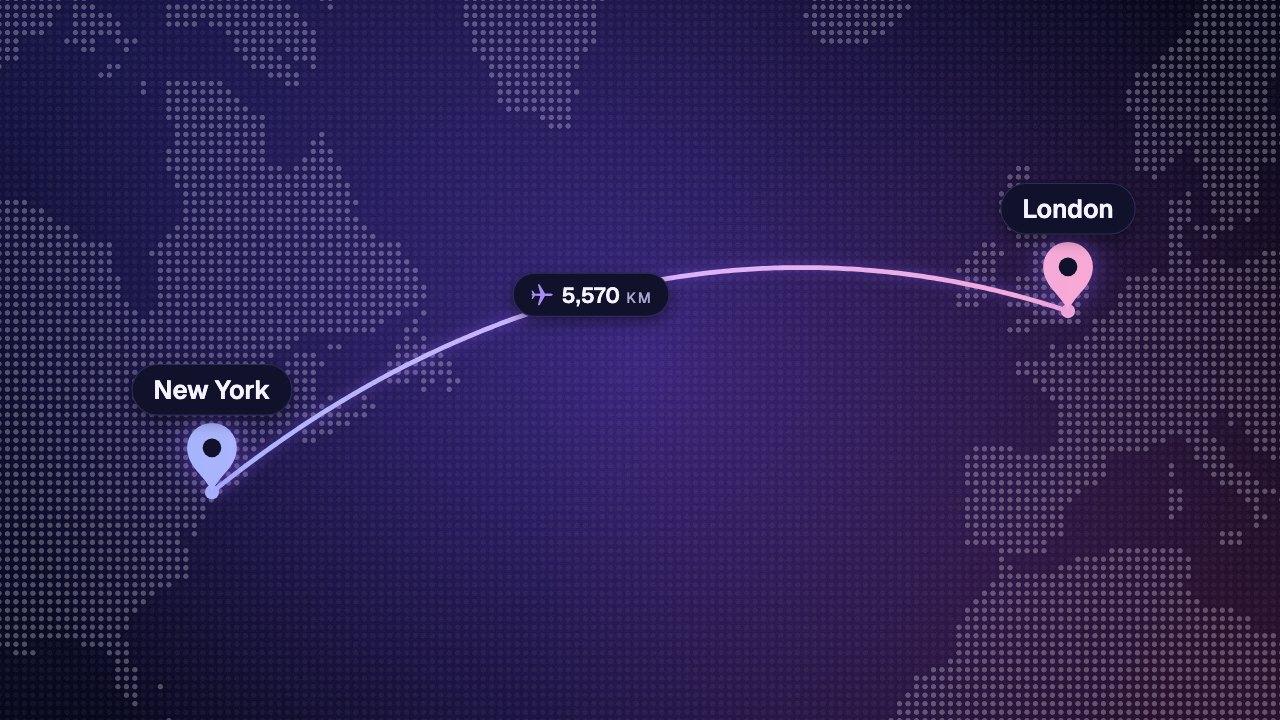
Other graphics you can make here.
All free, all made in your browser, all without a watermark. See every free tool.


Keep reading
Where to go next.
Your next video,
edited like the top 1%.
Drop it in. Say what should appear. Read the plan, press Build, and export the finished video — no After Effects, no editor, no template.
Make your first graphicPart of Pro, Ultimate and Scale · Export is free · Failed builds are refunded