
What Is Vibe Editing? Editing a Video by Describing It
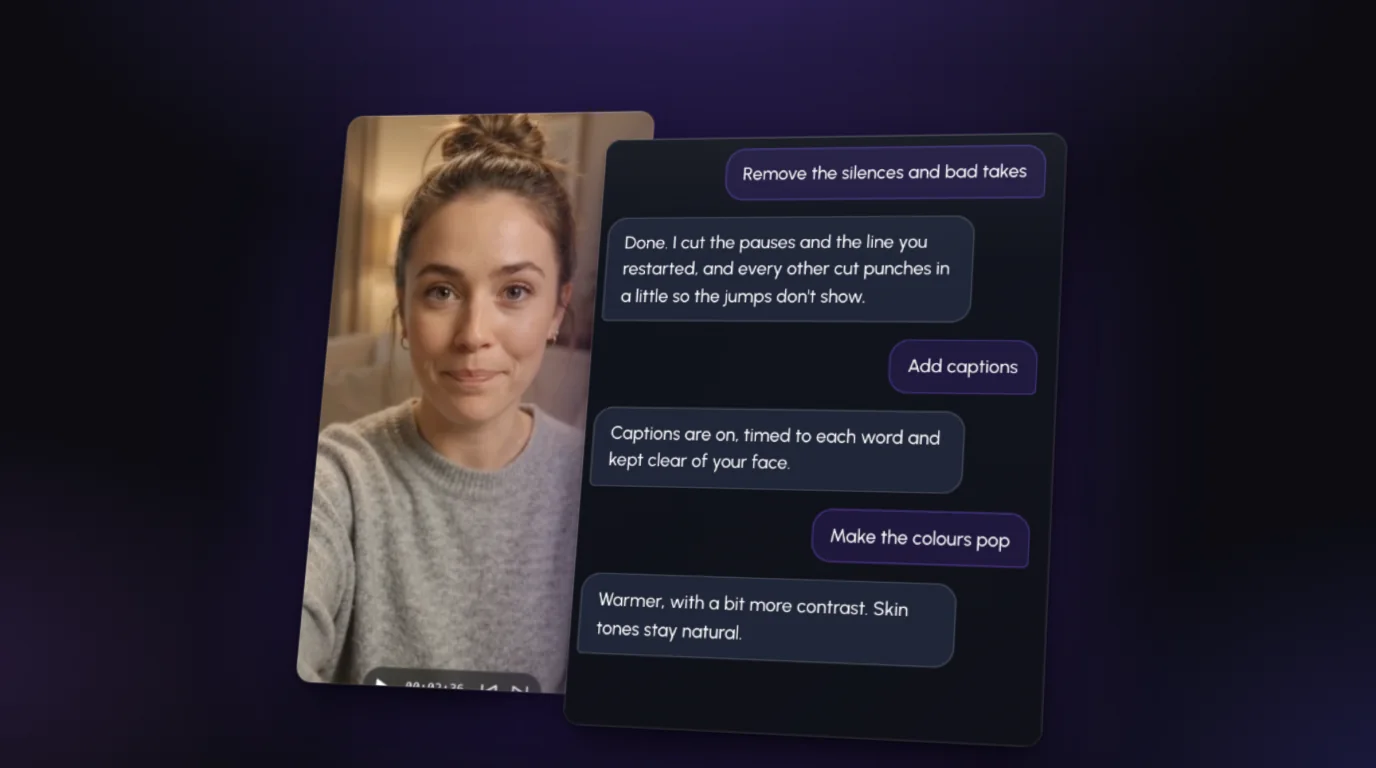
Vibe editing is editing a video by describing the edit instead of doing it by hand. You drop in your footage, type what you want ("remove the silences and bad takes, add captions, make the colors pop") and an AI editor makes those changes on your actual video.
No timeline scrubbing, no keyframes, no effects panel. You say it the way you'd brief an editor, watch the result, and ask for changes the same way.
Where the name comes from
In February 2025, AI researcher Andrej Karpathy described "vibe coding": building software by telling an AI what you want and letting it write the code, so you "forget that the code even exists." The phrase caught on fast.
Vibe editing is the same move for video. The edit still happens (every cut, caption and color change is real), but you work at the level of what you want, not which button does it.
What it looks like in practice
Here's a typical first pass on a talking-head video. Each line is one message:
- "Remove the silences and bad takes."
- "Add captions."
- "Make the colors pop."
- "Punch in on the key lines."
- "Add motion graphics when I list the three steps."
Then you watch it and refine:
- "Keep the pause before the punchline."
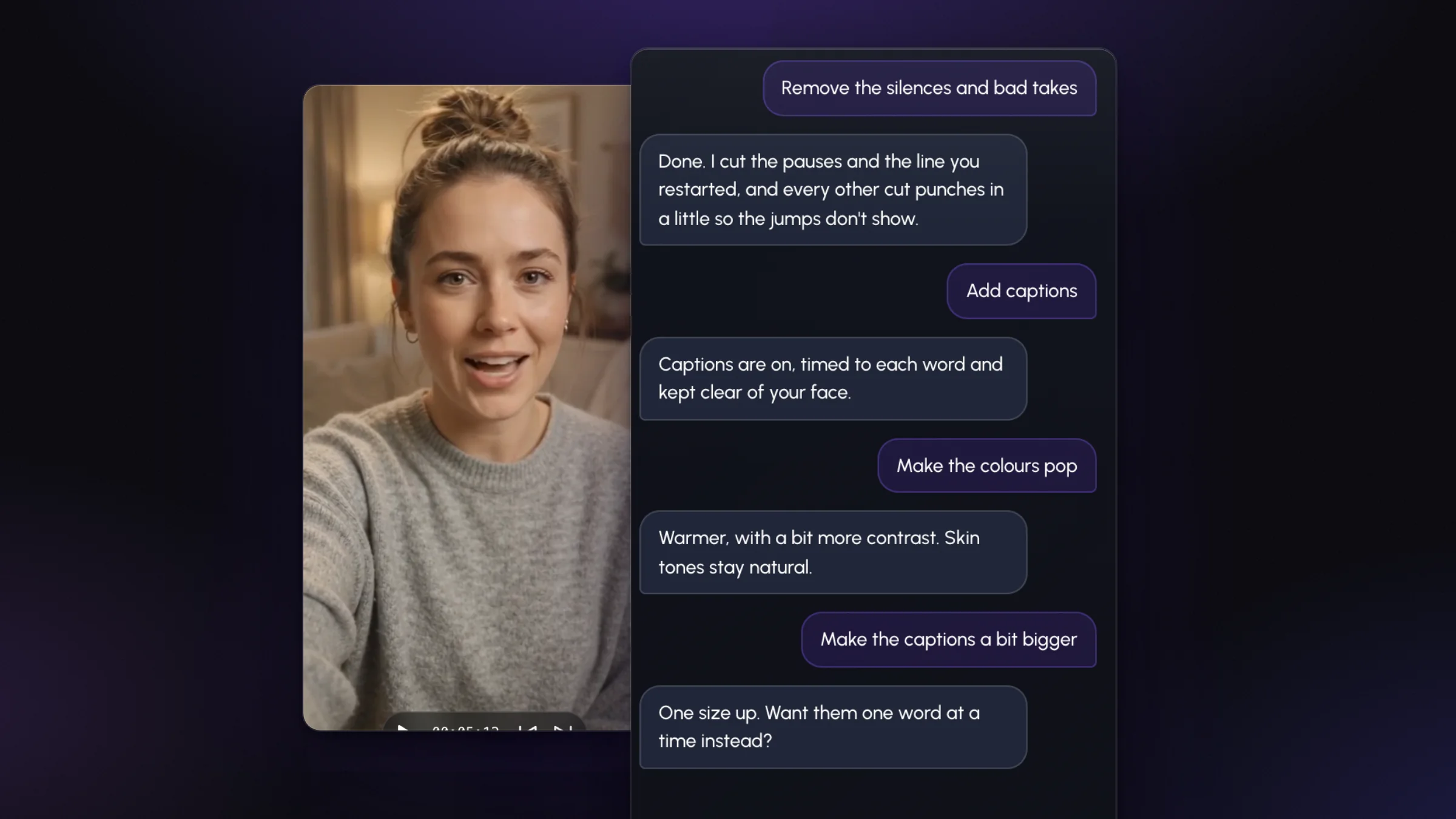
- "Make the captions a bit bigger."
- "Warmer, it looks cold."
That's the whole skill: saying clearly what you want. If you've ever sent an editor notes, you already know how.
What vibe editing is good at
The jobs that eat your evening are exactly the ones it handles best:
- Cleanup. Finding every pause, "um" and restarted line in a 10-minute take is tedious for a person and quick for software that reads the transcript and hears the audio. (Here's how removing silences works, by hand and automatically.)
- Captions. Transcribed and timed word by word, instead of fixing a caption tool's typos line by line.
- Repeatable polish. Color, zooms on the cuts, a consistent caption style across every video you post.
- Changes. "Make the captions bigger" is one sentence, not a re-export.
Editors commonly quote 30–60 minutes of work per finished minute of video. A lot of that time is mechanical, and that's the part you hand over. More on that in how long it takes to edit a video.
What it can't do (yet)
Vibe editing is fast, not psychic. A few things still need you:
- Taste. Some pauses are mistakes; the one before a punchline is the joke. AI cuts by rule unless you tell it otherwise.
- Judgment calls. Which of two takes is better, whether a tangent stays, what the video is about. Those are editorial decisions.
- A final watch. Always play it through before you post. If something's off, say so and it's redone. That's the point of doing it in a chat.
In short: vibe editing gives you a strong first cut in minutes and makes every change cheap. It doesn't replace knowing what good looks like.
Vibe editing vs. AI video generators
These get mixed up a lot, so it's worth being clear:
| AI video generator | Vibe editing | |
|---|---|---|
| Starts from | A text prompt | Footage you shot |
| Makes | New, synthetic clips | Edits to your own video |
| You on screen? | No (or an avatar) | Yes, it's your take |
If you film yourself (talking-head videos, tutorials, podcasts, Reels), you want the editing kind. Your face, your voice, your delivery; the AI just does the cutting room work.
How to try it
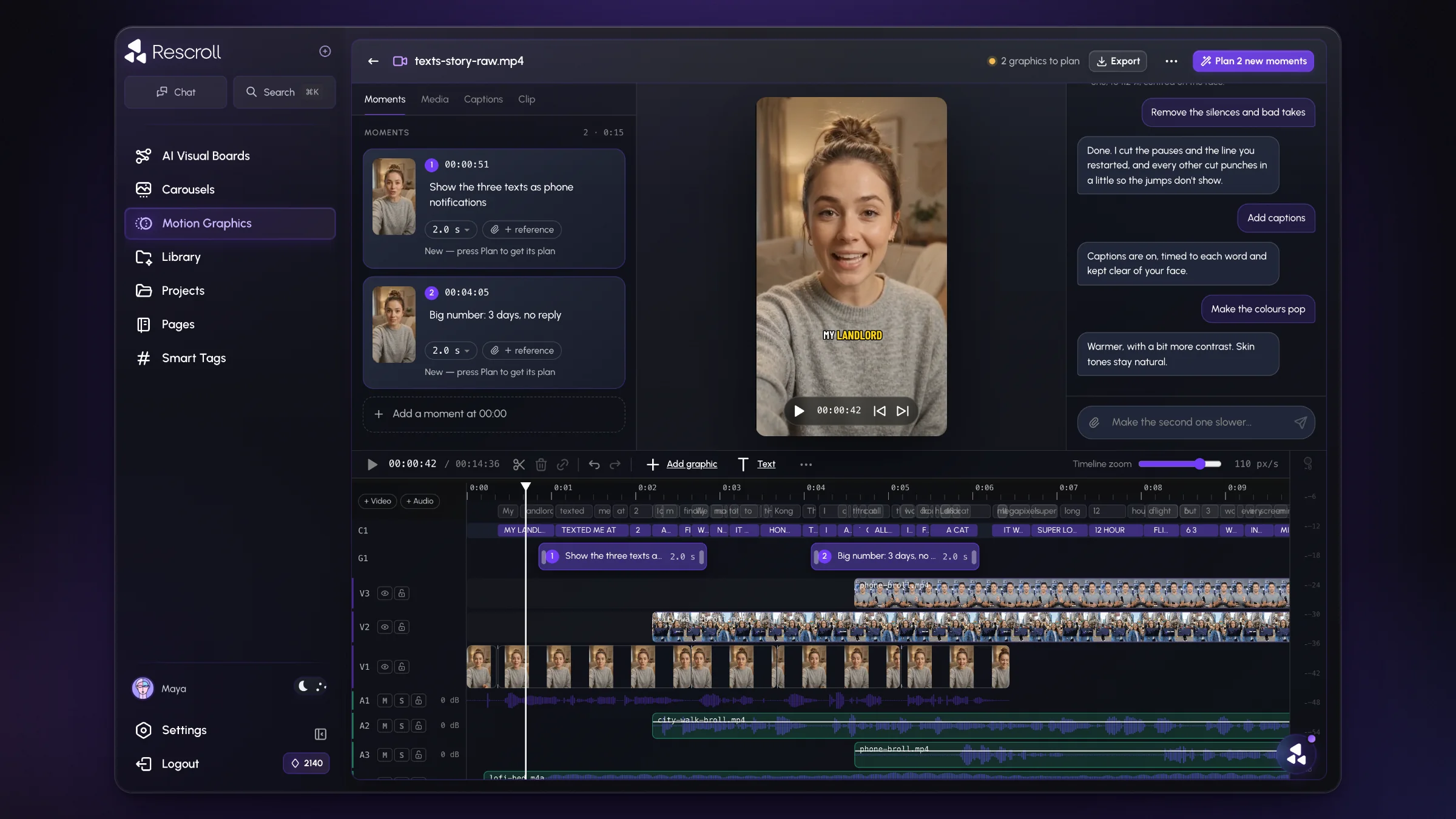
The short way is an AI video editor built around the chat. In Rescroll's AI video editor, you drop in your raw take, open the chat on the clip and type what should change. It cuts silences and bad takes, adds word-timed captions, grades the colors, punches in on key lines and adds motion graphics, all on your own footage, and you change anything by asking.
There are even starter chips like "Remove silences" and "Make colours pop" if you'd rather not type the first message. It runs in Chrome or Edge on a computer and exports a finished MP4 with your original audio.
Just starting out? Start with how to edit a video with AI, step by step.